
Introduction
You buy something for $108.25, and the receipt says the price includes sales tax. But you want to know the actual product price before tax. Or maybe you are checking an invoice, splitting a bill, preparing accounts, or trying to understand how much tax was deducted from your paycheck.
This is where a Reverse Sales Tax Calculator becomes useful.
Most people are familiar with a normal Tax Calculator or Sales Tax Calculator. You enter the pre-tax price, apply the tax rate, and get the final total. A reverse sales tax calculator works in the opposite direction. It starts with the final amount and helps you find:
- The original price before tax
- The tax amount included in the total
- The tax percentage applied
- The net amount after removing tax
- The correct taxable value for invoices or receipts
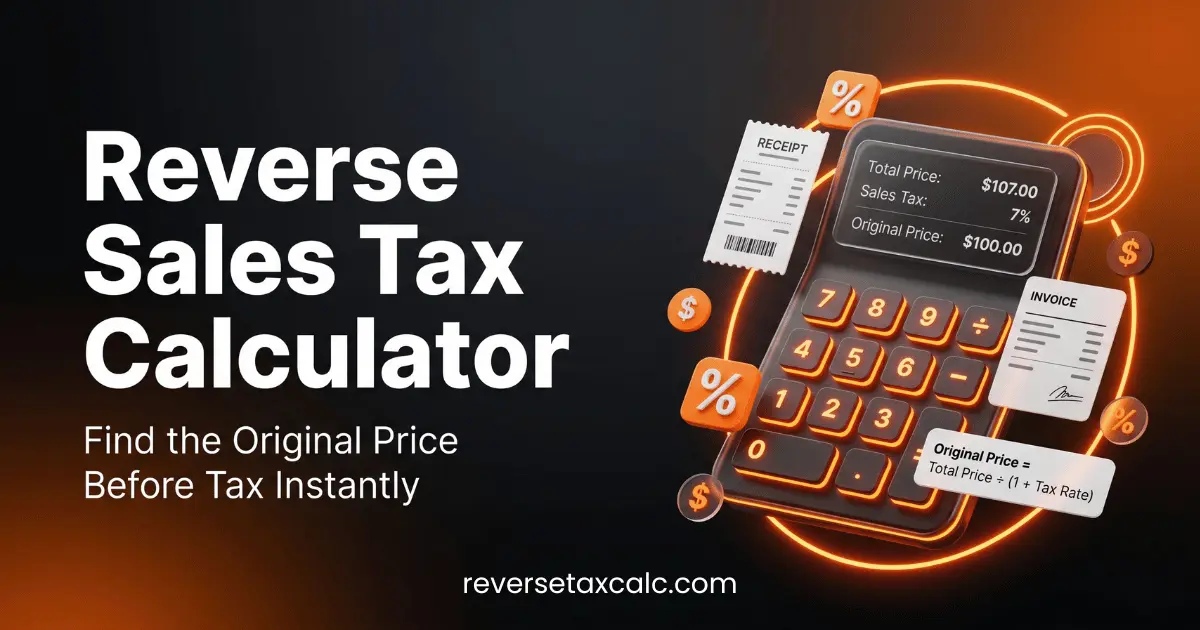
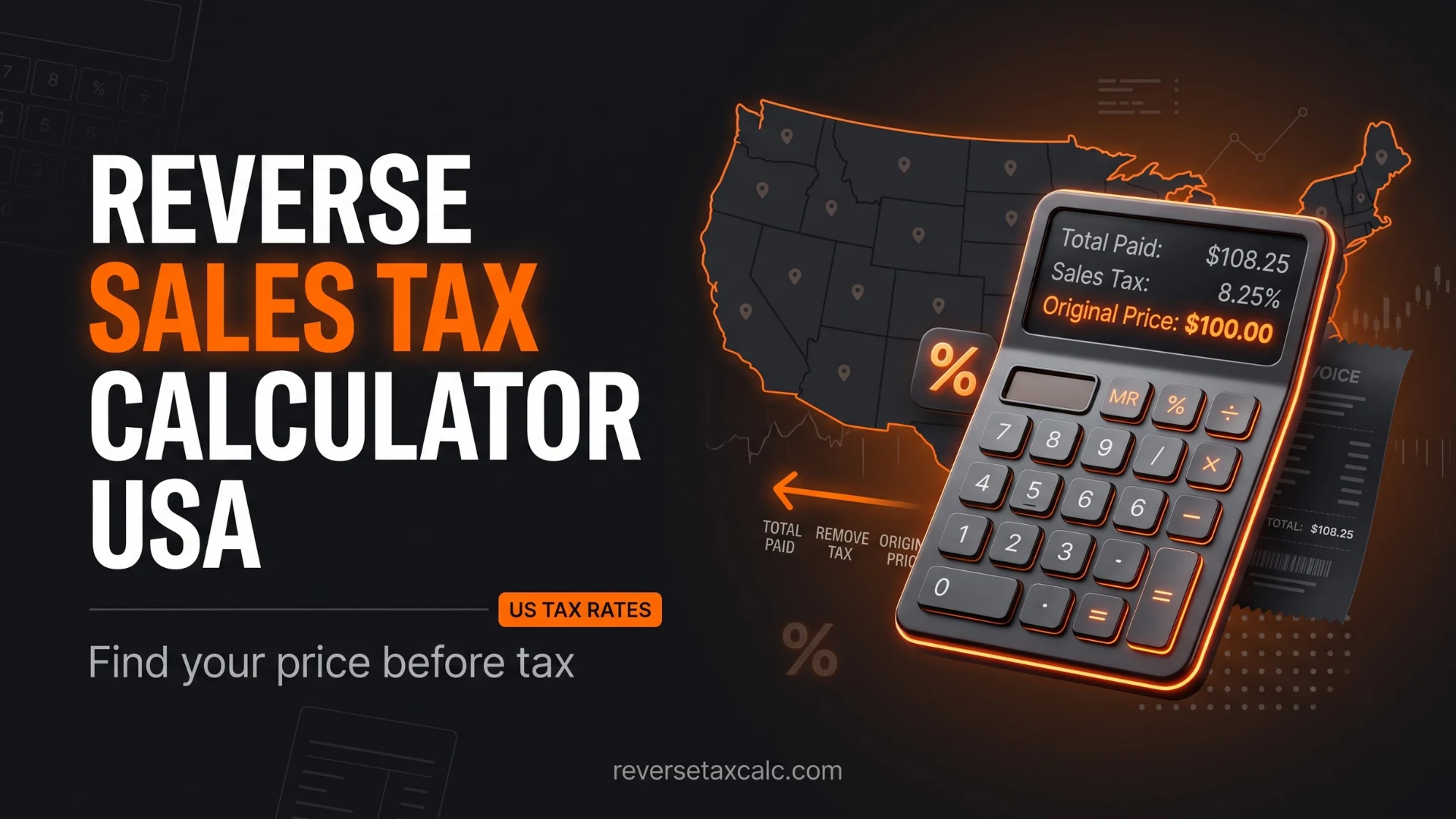
For example, if the total bill is $108.25 and the sales tax rate is 8.25%, the reverse calculation tells you that the pre-tax price is $100 and the tax amount is $8.25.
This guide explains reverse sales tax in simple language. You will learn the reverse tax formula, how to reverse calculate tax from total, how to use it for US sales tax, how to do it in Excel, and common mistakes to avoid.
Whether you are a shopper, freelancer, small business owner, accountant, student, or employee trying to understand deductions, this article will give you a clear and practical understanding of reverse tax calculation.
What Is a Reverse Sales Tax Calculator?
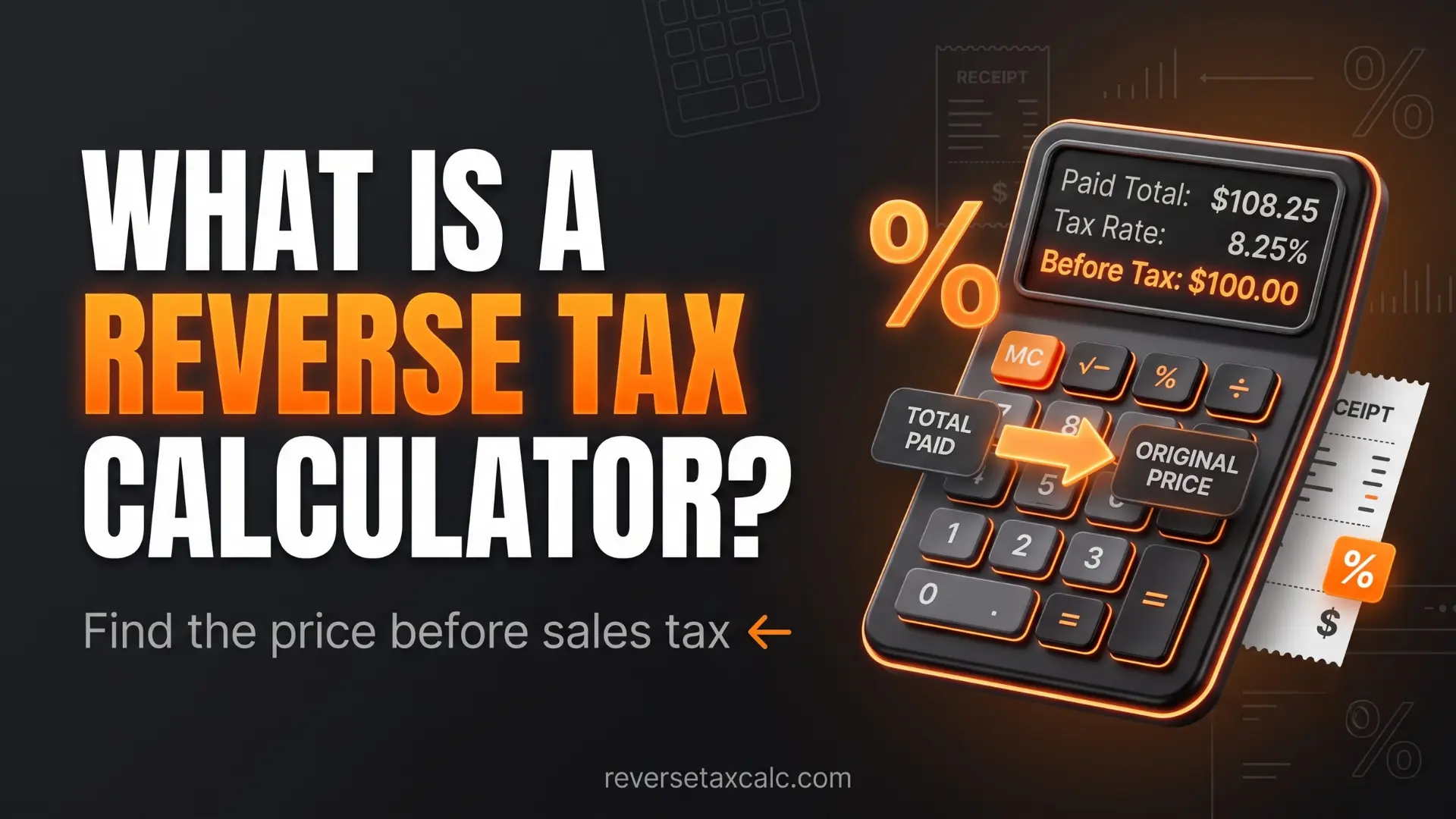
A Reverse Sales Tax Calculator is a tool that calculates the original amount before tax when you already know the final amount after tax.
In simple words, it helps you remove tax from a tax-inclusive amount.
| Final Total | Tax Rate | Pre-Tax Price | Tax Amount |
|---|---|---|---|
| $108.25 | 8.25% | $100.00 | $8.25 |
| $53.50 | 7% | $50.00 | $3.50 |
| $212.00 | 6% | $200.00 | $12.00 |
A normal sales tax calculator answers this question: If the product price is $100 and sales tax is 8.25%, what is the final price?
A reverse sales tax calculator answers this question: If the final price is $108.25 and tax is 8.25%, what was the original price before tax?
That is the key difference.
Reverse Sales Tax Calculator vs Sales Tax Calculator
| Calculator Type | Input | Output |
|---|---|---|
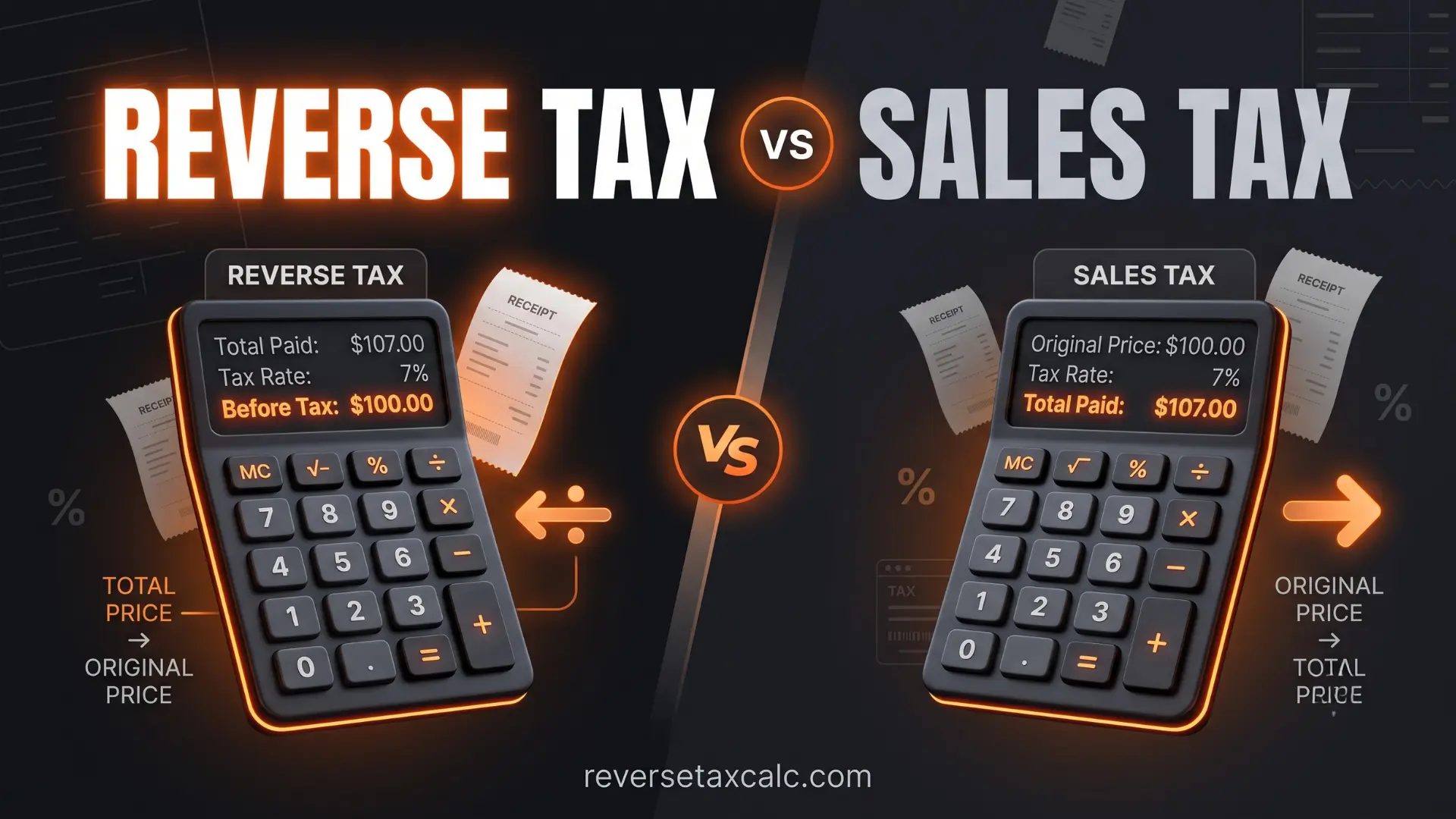
| Sales Tax Calculator | Pre-tax price + tax rate | Final price including tax |
| Reverse Sales Tax Calculator | Final price + tax rate | Pre-tax price and tax amount |
Both tools are useful, but they solve different problems. A Sales Tax Calculator is helpful before making a purchase. A Reverse Sales Tax Calculator is helpful after you already have the final amount.
Why Reverse Tax Calculation Matters
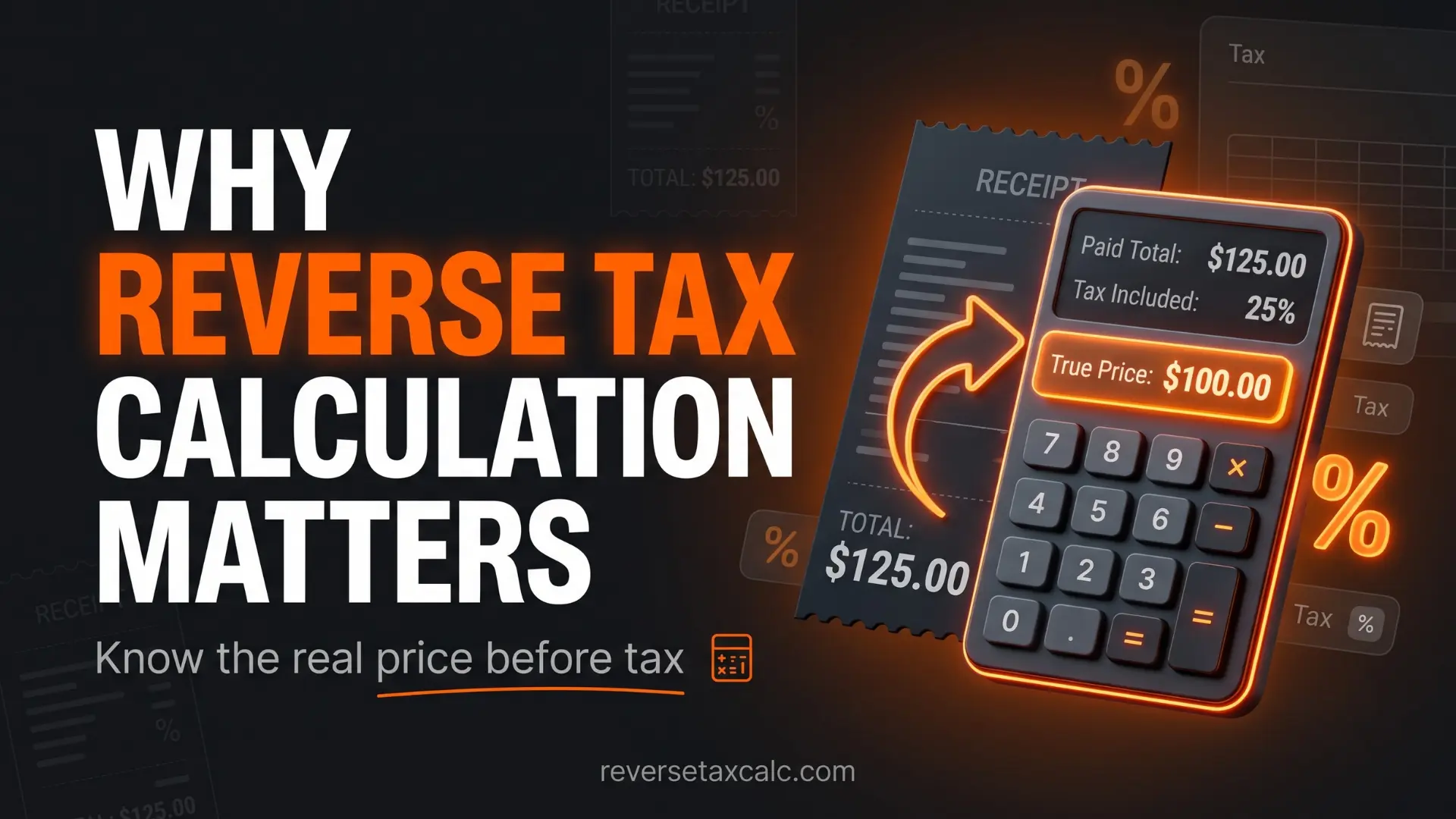
Reverse tax calculation is not just a maths exercise. It is used in real-life financial decisions every day.
You may need it when:
- A receipt shows only the final total
- You want to separate tax from product cost
- You are preparing business accounts
- You need to calculate tax collected from customers
- You are verifying a vendor invoice
- You are working with tax-inclusive pricing
- You want to understand how much tax was included in a payment
- You are building an Excel invoice or accounting sheet
- You are comparing prices across states with different tax rates
In the USA, sales tax rates vary by state, county, and city. A customer in Texas, Connecticut, New Jersey, California, or New York may pay different rates depending on the location. So, if you only know the final amount, reverse sales tax helps you break it down correctly.
For small businesses, this is especially important. If your prices are tax-inclusive, you cannot treat the entire collected amount as revenue. A portion of that money is sales tax that may need to be remitted to the tax authority.
For example, suppose you sell a product for $216.50 including tax at an 8.25% sales tax rate.
You should not record $216.50 as sales revenue. The correct split is:
- Revenue before tax: $200.00
- Sales tax collected: $16.50
- Total collected from customer: $216.50
This difference matters for bookkeeping, tax filing, profit calculation, and compliance.
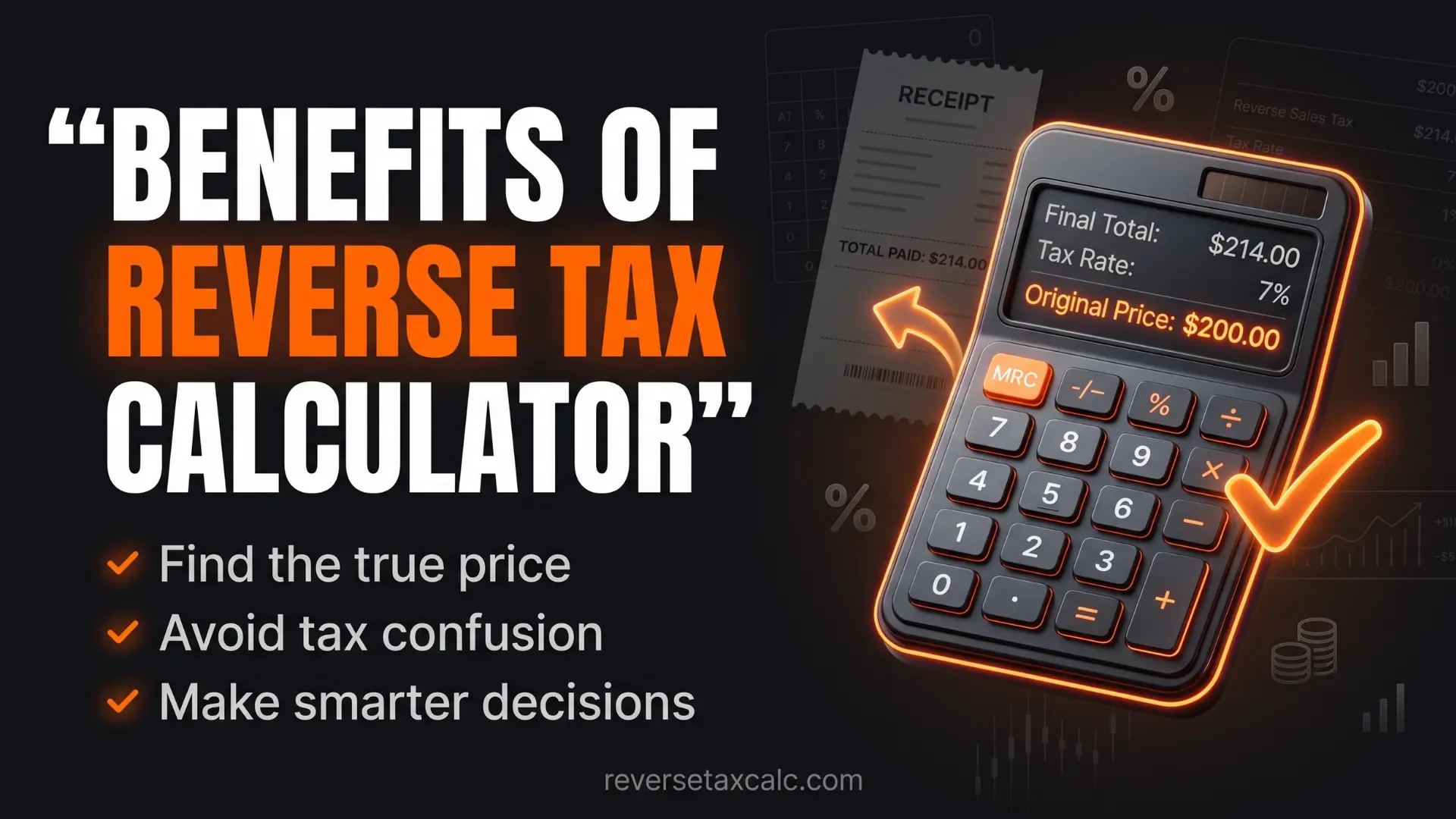
Benefits of Using a Reverse Sales Tax Calculator
A reverse sales tax calculator saves time and reduces mistakes. It is useful for both personal and business use.
1. Find the Pre-Tax Price Quickly
If you know the final amount and tax rate, you can instantly calculate the price before tax.
Example:
- Final amount: $324.75
- Tax rate: 8.25%
- Pre-tax price: 324.75 ÷ 1.0825 = 300
So the original price was $300.
2. Separate Tax from Total Amount
Many invoices and receipts include tax in the total. A reverse sales tax calculator helps you separate product or service cost, tax amount, and total paid. This is especially useful for bookkeeping and expense tracking.
3. Check Whether You Were Charged Correctly
Sometimes billing errors happen. The tax may be calculated incorrectly, or the wrong tax rate may be applied. By using a reverse calculator, you can verify whether the tax amount matches the expected rate.
4. Useful for Tax-Inclusive Pricing
Many businesses prefer showing customers a round final price, such as $50 including tax or $100 including tax. In such cases, the business still needs to know how much of that price is actual revenue and how much is tax.
5. Helpful for Excel and Accounting Sheets
If you manage invoices in Excel or Google Sheets, reverse tax formulas can automate the calculation. This is useful for retail stores, freelancers, e-commerce sellers, consultants, accountants, restaurant billing, and service businesses.
6. Better Financial Clarity
When you know the exact tax component, your financial records become cleaner. You can understand actual cost, revenue, margin, and tax liability more accurately.
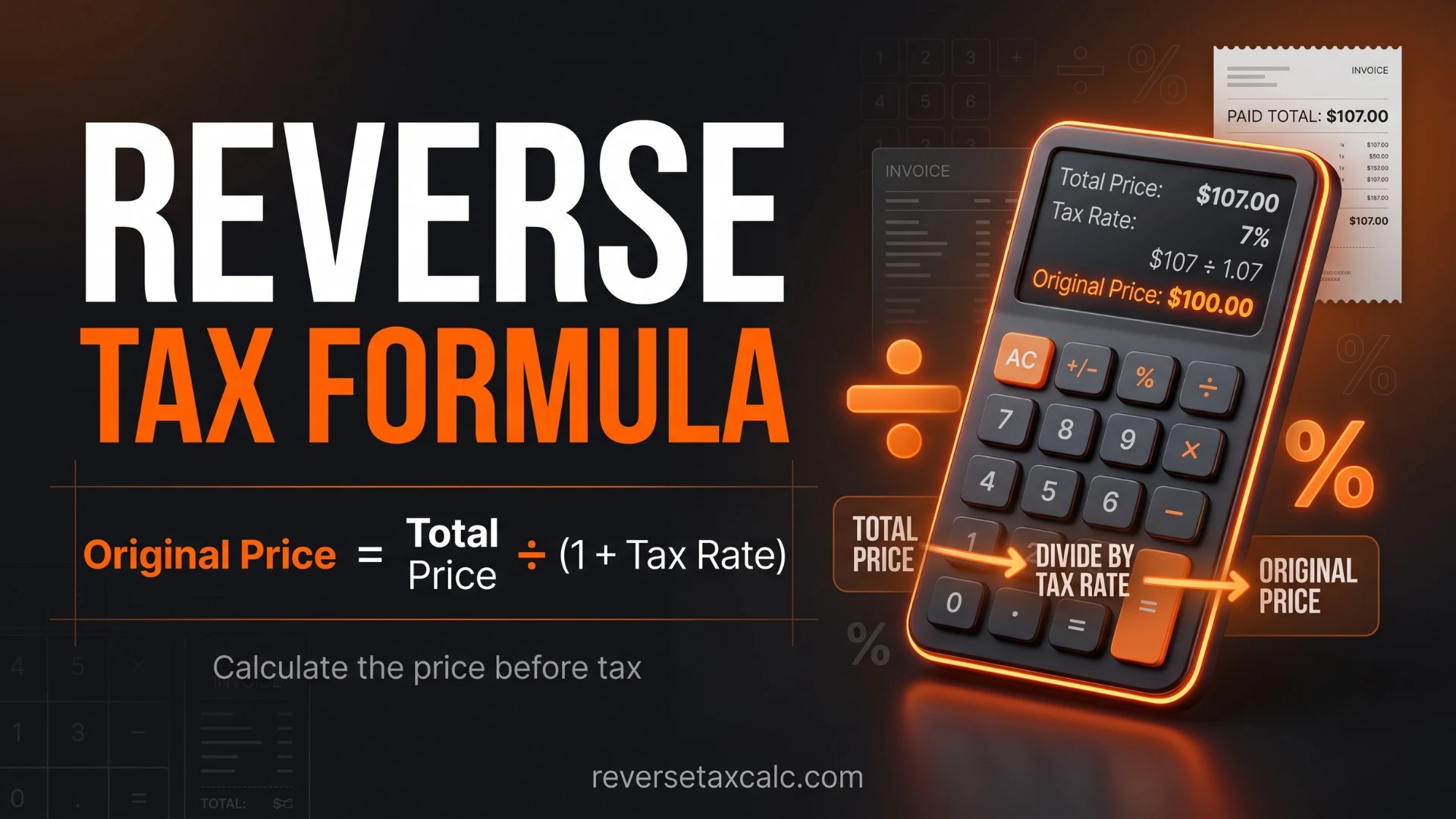
Reverse Sales Tax Formula
The standard reverse tax formula is:
The tax rate must be written as a decimal.
- 5% = 0.05
- 6.25% = 0.0625
- 7% = 0.07
- 8.25% = 0.0825
- 10% = 0.10
Once you get the pre-tax price, you can calculate the tax amount:
Or:
Both methods should give the same result, apart from small rounding differences.
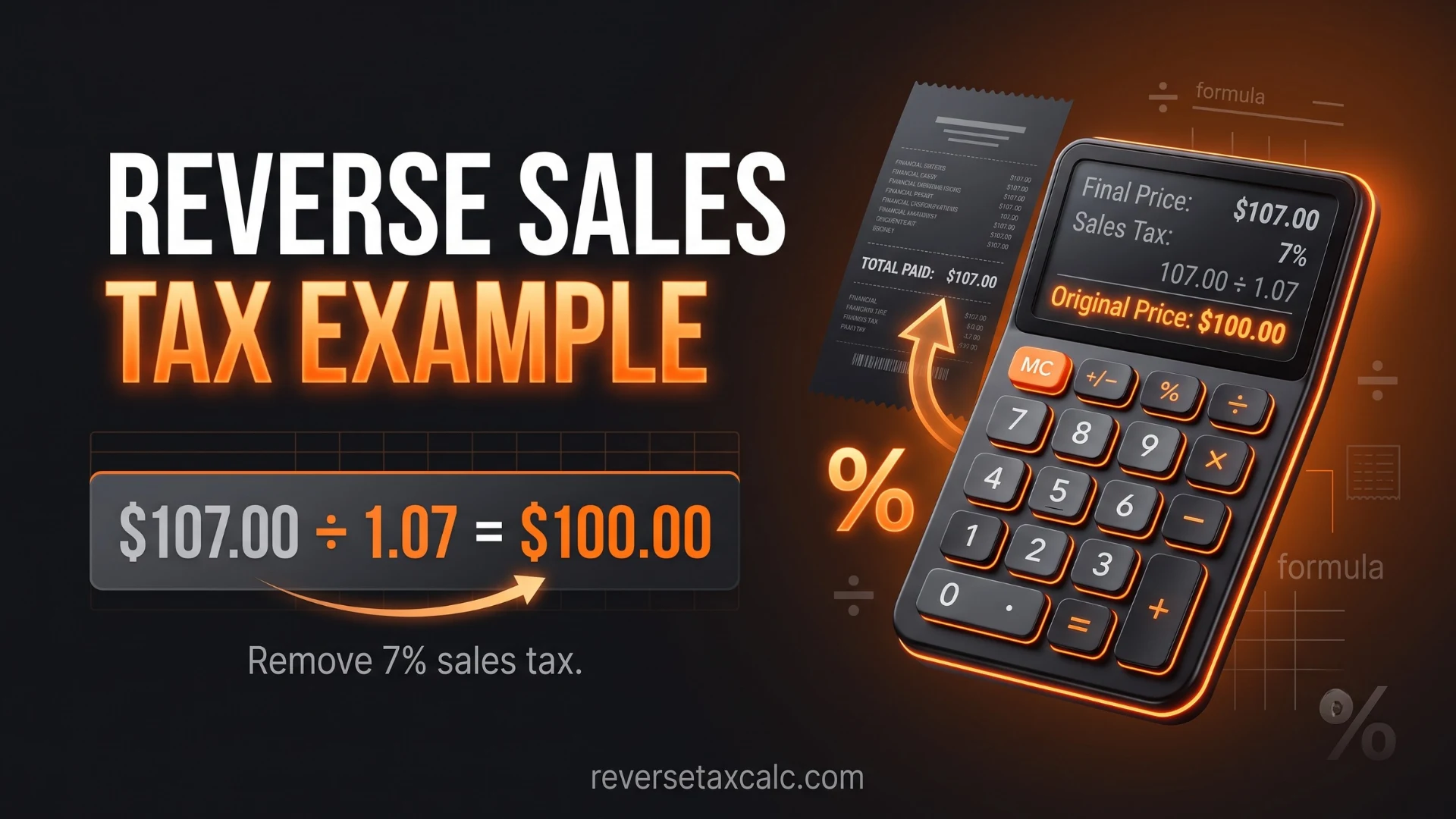
Reverse Sales Tax Formula Example
Suppose the final amount is $108.25 and the sales tax rate is 8.25%.
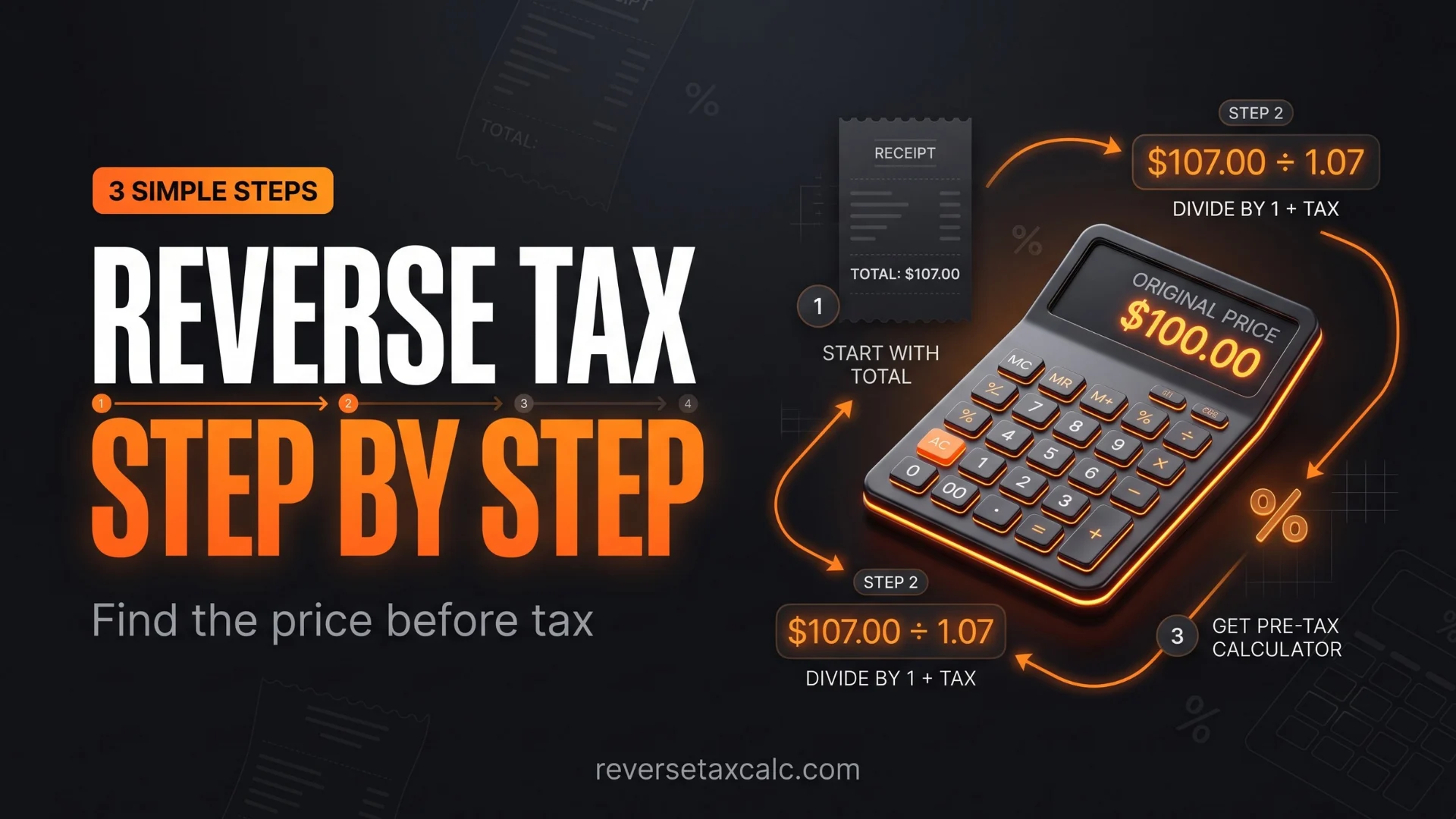
- Step 1: Convert tax rate to decimal: 8.25% = 0.0825
- Step 2: Add 1 to the tax rate: 1 + 0.0825 = 1.0825
- Step 3: Divide the total amount by 1.0825: $108.25 ÷ 1.0825 = $100
- Step 4: Subtract pre-tax price from total: $108.25 − $100 = $8.25
So:
- Pre-tax price: $100
- Sales tax: $8.25
- Total amount: $108.25
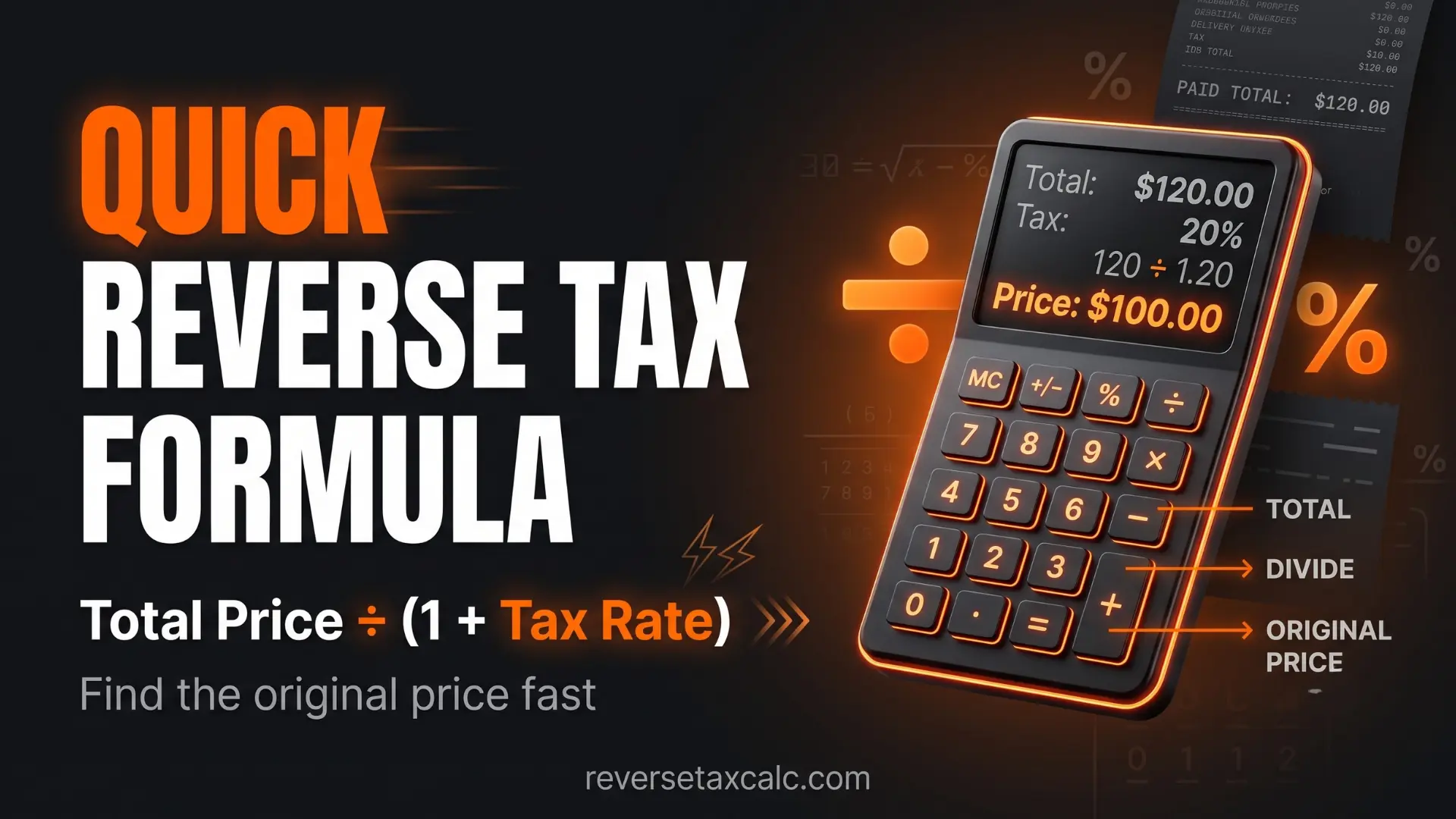
Quick Reverse Tax Formula
Example:
$214 ÷ 1.07 = $200
If tax is 7%, the pre-tax price is $200 and tax is $14.
Step-by-Step Guide to Reverse Calculate Tax from Total
Let us go through the complete process in a simple way.
Step 1: Know the Final Total
The final total is the amount after tax has already been added. Example: You paid $129.60 at checkout. This is the tax-inclusive amount.
Step 2: Find the Correct Tax Rate
You need the applicable tax rate. This can be state sales tax, local city tax, county tax, combined sales tax rate, GST/VAT rate in other countries, or payroll tax percentage if calculating deductions.
For US sales tax, always use the combined rate if state and local taxes both apply.
Step 3: Convert Percentage into Decimal
Divide the tax percentage by 100.
Step 4: Add 1 to the Decimal Tax Rate
Step 5: Divide Total Amount by This Number
So the price before tax is $120.
Step 6: Calculate the Tax Amount
So:
- Final total: $129.60
- Pre-tax amount: $120.00
- Tax included: $9.60
This is the basic method used by every reverse sales tax calculator.
Reverse Sales Tax Calculator USA
In the USA, reverse sales tax calculation can be slightly tricky because sales tax is not the same everywhere.
Sales tax rates can vary by:
- State
- County
- City
- Special district
- Product type
- Exemptions
- Tax holidays
For example, a product bought in one city in Texas may have a different combined sales tax rate than the same product bought in another city. That is why a Reverse Sales Tax Calculator USA should ideally use the exact combined sales tax rate for the location.
Common US Sales Tax Calculation
If the combined tax rate is 8.25%, and the final total is $541.25:
So:
- Pre-tax price: $500
- Sales tax: $41.25
- Total: $541.25
Why Local Tax Rate Matters
Suppose you use only the state tax rate and ignore local tax. Your reverse calculation may be wrong.
- State tax: 6.25%
- Local tax: 2%
- Combined rate: 8.25%
If you calculate using only 6.25%, your pre-tax price will be incorrect. So, for accurate reverse sales tax in the USA, always check the combined rate.
Reverse Sales Tax Calculator Texas
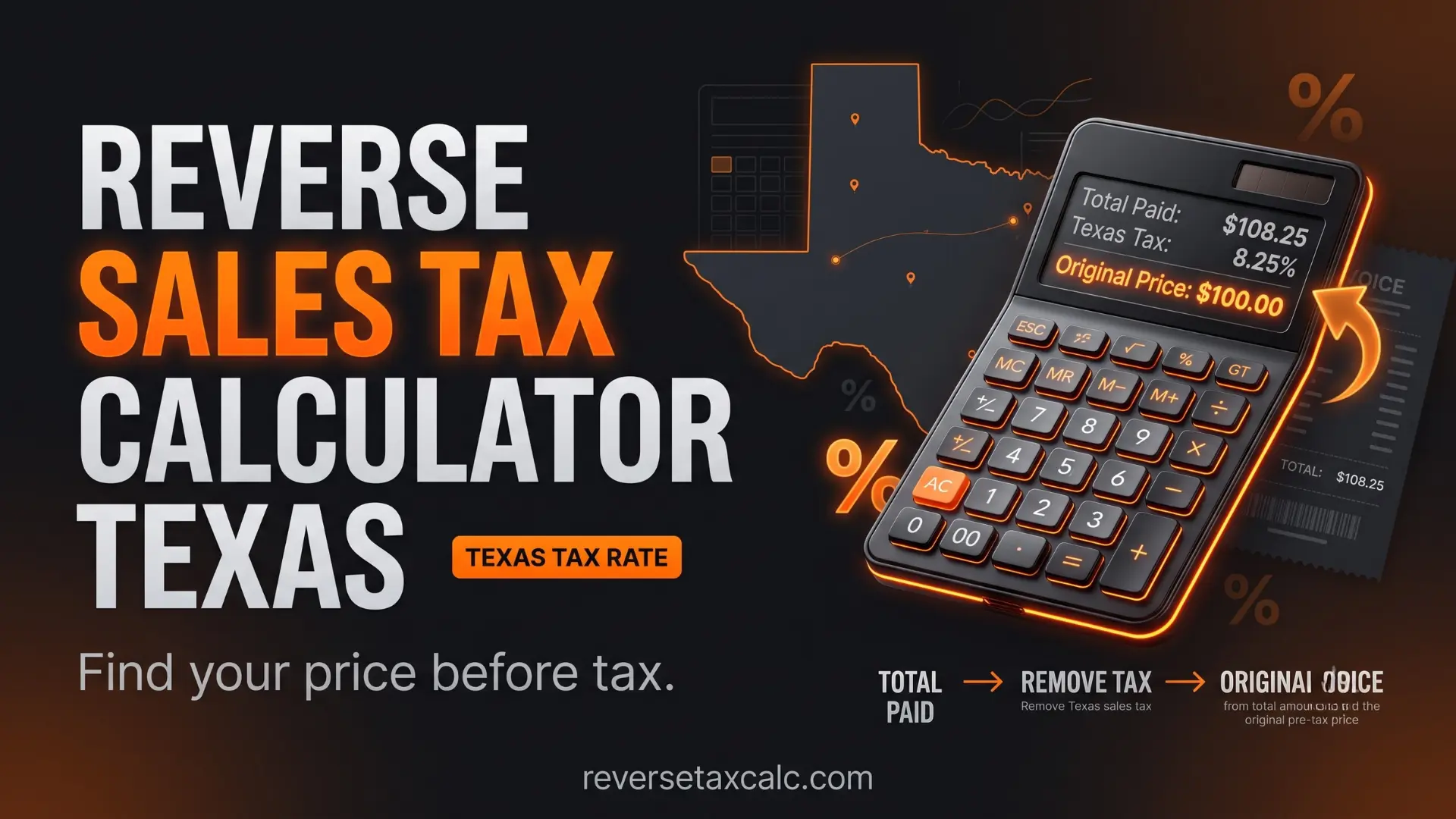
Texas has a state sales tax rate, and local jurisdictions may add additional taxes. The combined sales tax rate in many Texas locations can reach 8.25%.
Example:
- Final amount: $216.50
- Tax rate: 8.25%
- Reverse calculation: $216.50 ÷ 1.0825 = $200
- Tax amount: $216.50 − $200 = $16.50
So the breakdown is:
- Pre-tax price: $200
- Sales tax: $16.50
- Total paid: $216.50
A reverse sales tax calculator Texas is useful for retailers, e-commerce sellers, contractors, and customers who need to separate sales tax from a tax-inclusive total.
Reverse Sales Tax Calculator CT
Connecticut, often searched as CT, has a statewide sales and use tax system. Local sales taxes are generally not added in the same way as some other US states, but taxability may vary depending on the item or service.
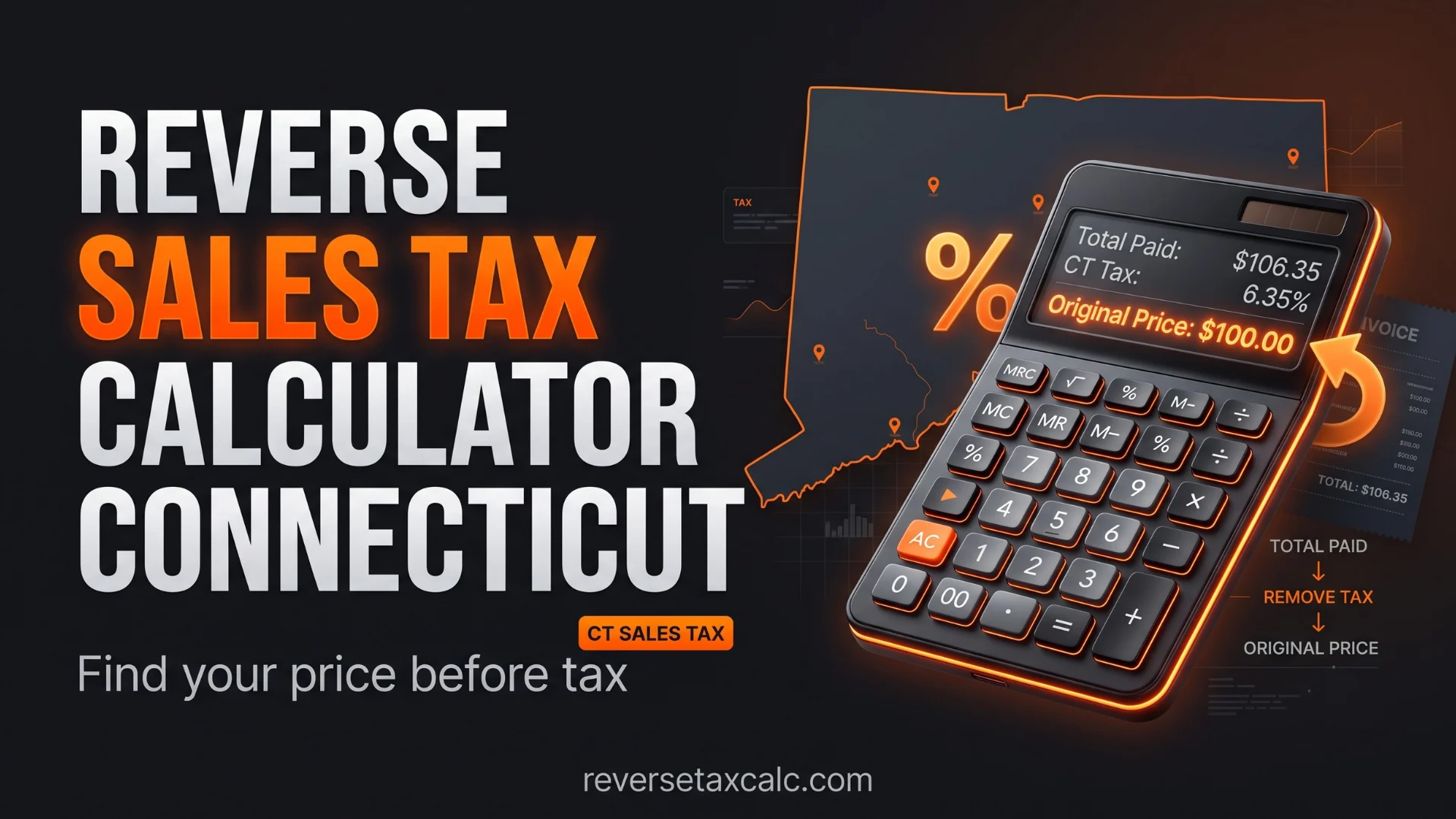
Example using a 6.35% rate:
- Final amount: $106.35
- Tax rate: 6.35%
- Pre-tax price: $106.35 ÷ 1.0635 = $100
- Tax amount: $106.35 − $100 = $6.35
A reverse sales tax calculator CT helps when receipts show the total but you need to identify how much tax was included.
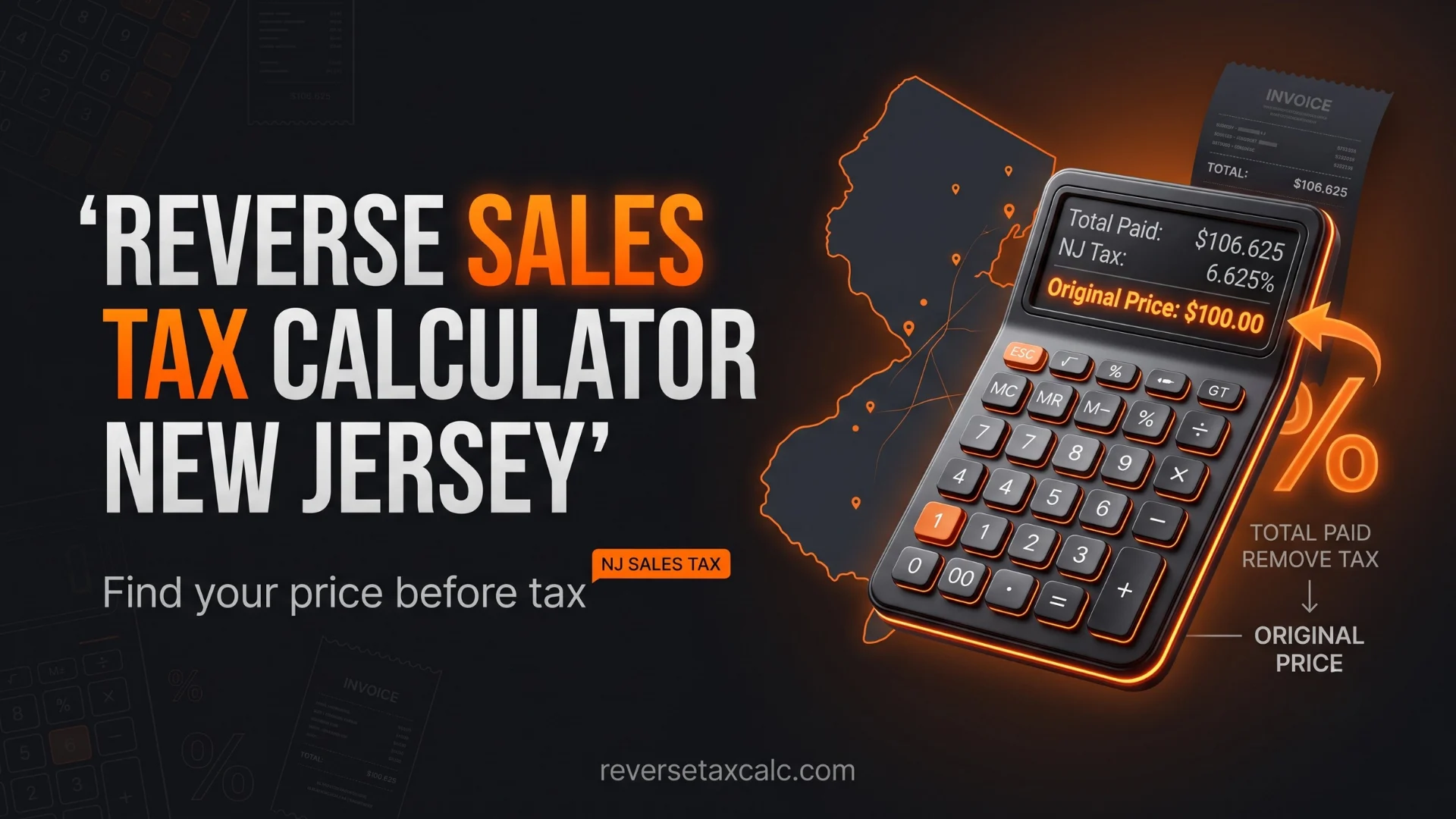
Reverse Sales Tax Calculator NJ
New Jersey has its own sales tax rules, and some items may be exempt. For taxable goods and services, reverse tax calculation helps separate the tax from the final amount.
Example using a 6.625% rate:
- Final amount: $213.25
- Tax rate: 6.625%
- Pre-tax price: $213.25 ÷ 1.06625 = $200
- Tax amount: $213.25 − $200 = $13.25
A reverse sales tax calculator NJ is helpful for invoice review, expense claims, and small business accounting.
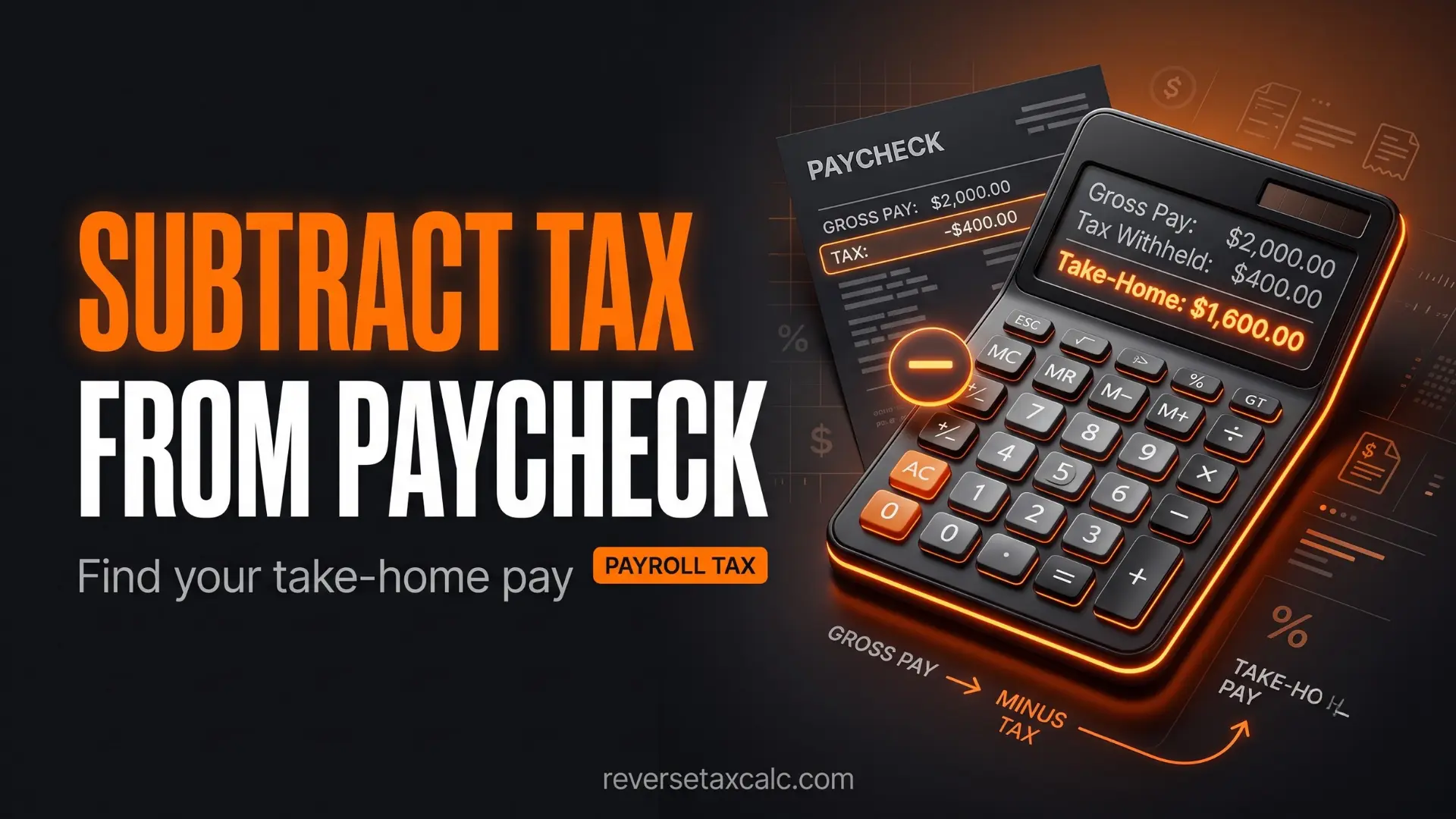
How to Subtract Tax from Paycheck
Many people also search for how to subtract tax from paycheck. This is slightly different from reverse sales tax. Sales tax is usually added to a purchase. Paycheck tax is deducted from gross wages.
Still, the core idea is similar: you want to understand how much money is left after taxes or how much tax was taken out.
Paycheck Tax Is Not the Same as Sales Tax
Sales tax is usually calculated as:
Paycheck taxes may include:
- Federal income tax
- State income tax
- Social Security tax
- Medicare tax
- Local taxes
- Retirement contributions
- Health insurance deductions
- Other payroll deductions
So, if your gross pay is $4,000, your take-home pay is not found by simply applying one sales tax formula. Payroll taxes depend on tax brackets, filing status, allowances, pre-tax deductions, and location.
Simple Paycheck Tax Deduction Formula
Example:
- Gross pay: $4,000
- Estimated tax rate: 22%
- Tax deduction: $4,000 × 0.22 = $880
- Net pay: $4,000 − $880 = $3,120
So your estimated paycheck after tax is $3,120.
Reverse Paycheck Tax Calculation
If you know your take-home pay and tax rate, and want to estimate gross pay:
Example:
- Take-home pay: $3,120
- Tax rate: 22%
- Gross pay: $3,120 ÷ 0.78 = $4,000
This is different from sales tax reverse calculation because tax is subtracted from income, not added to price.
Important Note: A Reverse Sales Tax Calculator for sales tax should not be used as a full payroll calculator. Paycheck taxes are more complex. For accurate results, use a payroll tax calculator or consult a tax professional.
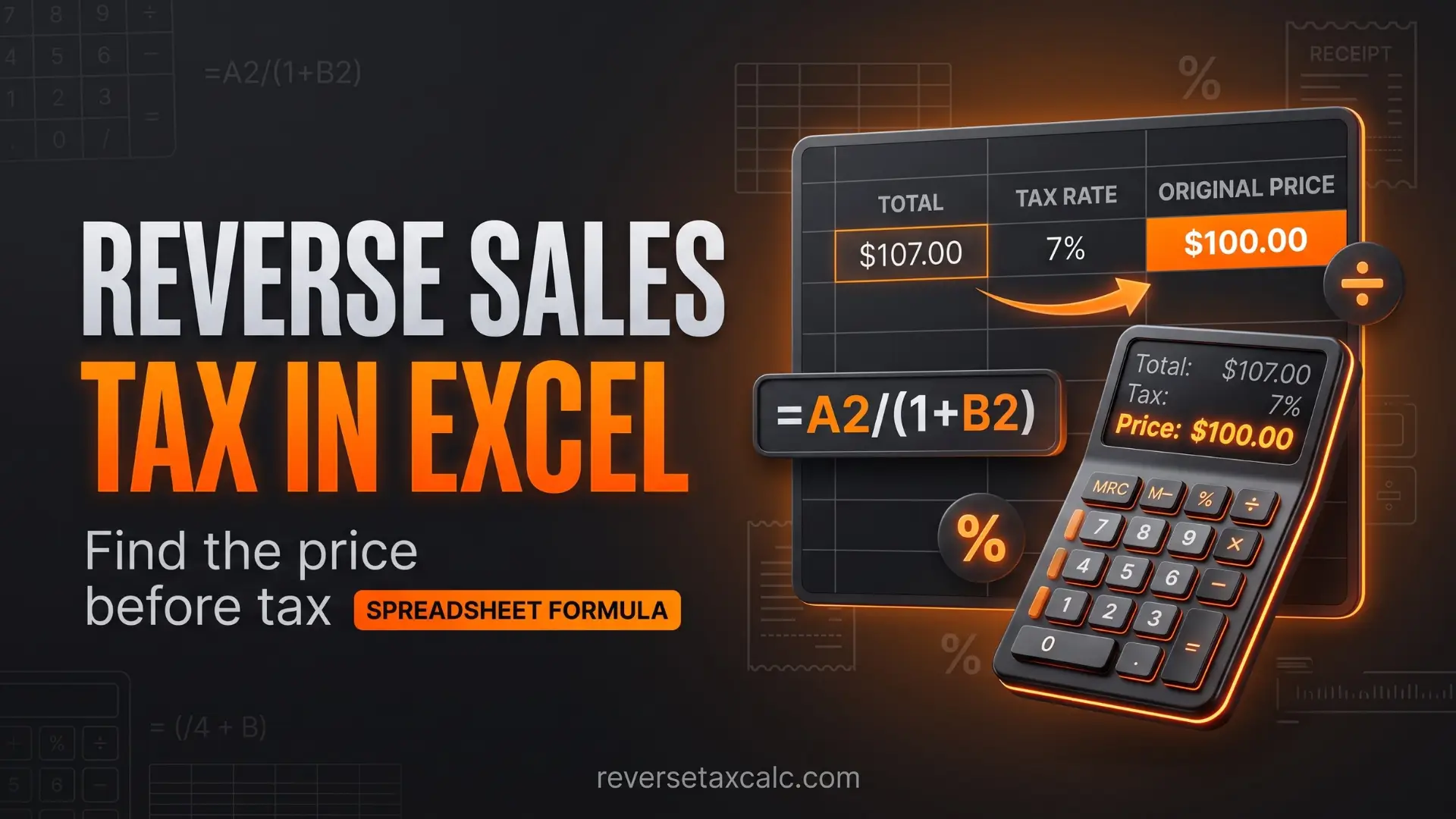
Reverse Sales Tax Calculator Excel
You can easily create a reverse sales tax calculator in Excel or Google Sheets. This is useful if you handle multiple invoices, sales receipts, or accounting entries.
Basic Excel Formula to Remove Sales Tax
Suppose:
- Final total is in cell A2
- Tax rate is in cell B2
Use this formula to calculate the pre-tax price:
If B2 contains 8.25%, Excel understands it as 0.0825.
Excel Formula to Calculate Tax Amount
Or directly:
Excel Formula with Rounded Values
For currency formatting, use:
For tax amount:
Excel Example
| Final Total | Tax Rate | Pre-Tax Price | Tax Amount |
|---|---|---|---|
| 108.25 | 8.25% | 100.00 | 8.25 |
| 216.50 | 8.25% | 200.00 | 16.50 |
| 106.35 | 6.35% | 100.00 | 6.35 |
| 213.25 | 6.625% | 200.00 | 13.25 |
Excel Formula If Tax Rate Is Entered as a Number
If you enter tax rate as 8.25 instead of 8.25%, use:
For tax amount:
This is one of the most common Excel mistakes. If you enter 8.25 but use the formula as if it were 8.25%, your result will be completely wrong.
Free Reverse Sales Tax Calculator: What to Look For
A free reverse sales tax calculator should be simple, accurate, and easy to use.
The best calculators usually ask for:
- Total amount including tax
- Sales tax percentage
- Optional location or state
- Rounding preference
Then they show:
- Pre-tax amount
- Sales tax amount
- Final total
- Formula used
Features of a Good Reverse Calculator
- Clean input fields
- Decimal tax rate support
- State-wise calculation support
- Clear tax breakdown
- Copyable results
- Mobile-friendly design
- No confusing ads near input fields
- Rounding to two decimal places
- Support for multiple calculations
When Free Calculators May Be Inaccurate
A free tool may give wrong results if:
- You enter the wrong tax rate
- You use only state tax instead of combined tax
- The item is tax-exempt
- The product has a special tax rate
- The calculator rounds too early
- You confuse sales tax with income tax
- You enter 8.25 as 825%
The calculator is only as accurate as the inputs you provide.
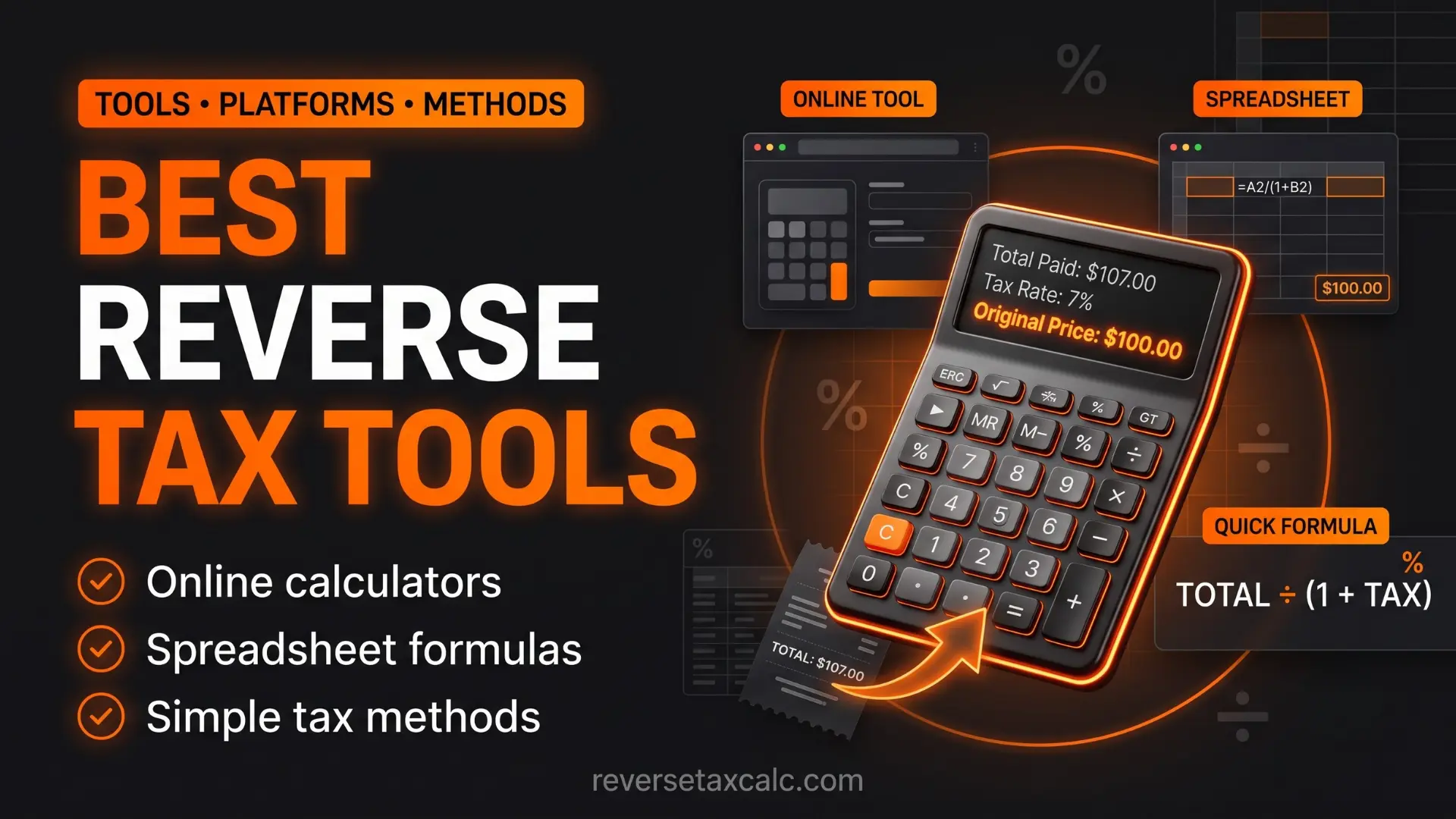
Best Tools, Platforms, and Methods for Reverse Tax Calculation
1. Online Reverse Sales Tax Calculator
Best for quick one-time calculations.
Use it when you have one receipt, want instant results, do not want to use formulas, or are checking a purchase.
- Pros: Fast, beginner-friendly, no setup needed
- Cons: May not know exact local tax rate, not ideal for bulk calculations
2. Excel or Google Sheets
Best for repeated business or accounting use.
Use it when you handle many invoices, manage monthly sales, need records, or want custom formulas.
- Pros: Flexible, good for bulk entries, easy to audit, works offline in Excel
- Cons: Formula mistakes are possible, requires basic spreadsheet knowledge
3. Accounting Software
Best for businesses. Popular accounting platforms can automatically separate sales tax from tax-inclusive pricing.
- Useful for: Small businesses, e-commerce sellers, retailers, agencies, consultants, accountants
- Pros: Better compliance, reports and summaries, integration with invoices, reduces manual work
- Cons: May cost money and needs proper setup
4. Manual Formula
Best for learning and quick verification.
- Pros: No tool needed, good for understanding, works anywhere
- Cons: Slower for many items, mistakes possible with decimal conversion
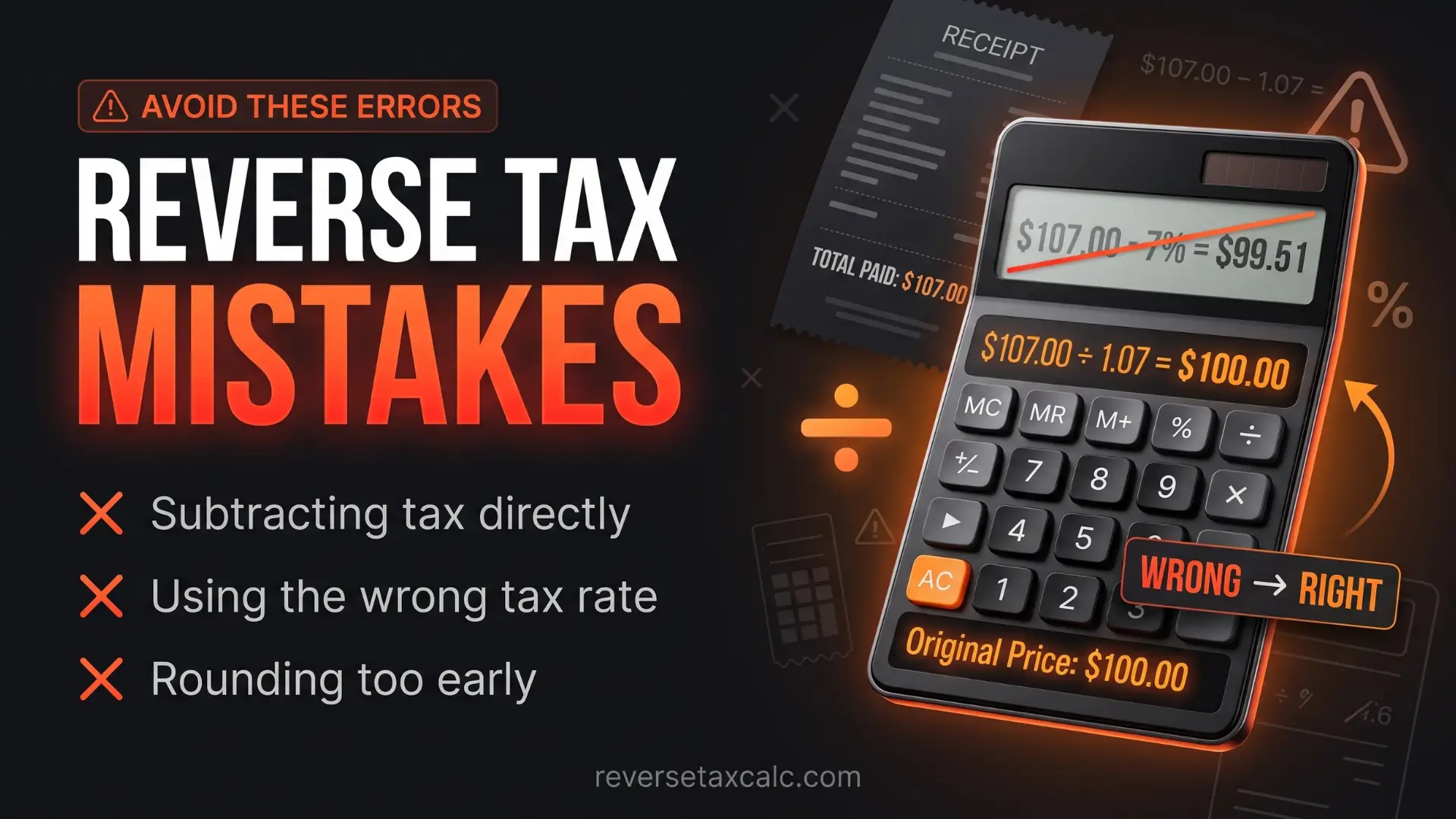
Common Mistakes in Reverse Sales Tax Calculation
Reverse tax calculation is simple, but small mistakes can change the result.
Mistake 1: Subtracting the Tax Percentage Directly
Many people think if the total is $108.25 and tax is 8.25%, they can calculate:
This is incorrect because the 8.25% tax was applied to the original price, not the final price.
Correct formula:
Mistake 2: Using the Wrong Tax Rate
If the actual combined tax rate is 8.25% but you use 6.25%, the result will be wrong. Always check whether local taxes are included.
Mistake 3: Confusing Tax-Inclusive and Tax-Exclusive Pricing
Tax-inclusive means tax is already included in the price. Tax-exclusive means tax is added separately. Reverse tax calculation is for tax-inclusive totals.
Mistake 4: Entering Percentage Incorrectly in Excel
In Excel, 8.25% means 0.0825, while 8.25 means 8.25. If your formula expects a percentage but you enter a whole number, your calculation will be incorrect.
Mistake 5: Rounding Too Early
If you round the pre-tax price before calculating the tax amount, small differences may appear. For better accuracy, calculate first and round final results to two decimals.
Mistake 6: Applying Sales Tax Rules to Paycheck Tax
A paycheck is not calculated like a retail bill. Payroll deductions include multiple taxes and deductions. Use the correct calculator for the correct purpose.
Mistake 7: Ignoring Exempt Items
Some items may be exempt from sales tax or taxed at a reduced rate. Examples can include groceries, medicines, clothing, or certain services depending on the state. If the item is exempt, a reverse sales tax calculator should not be applied using the normal tax rate.
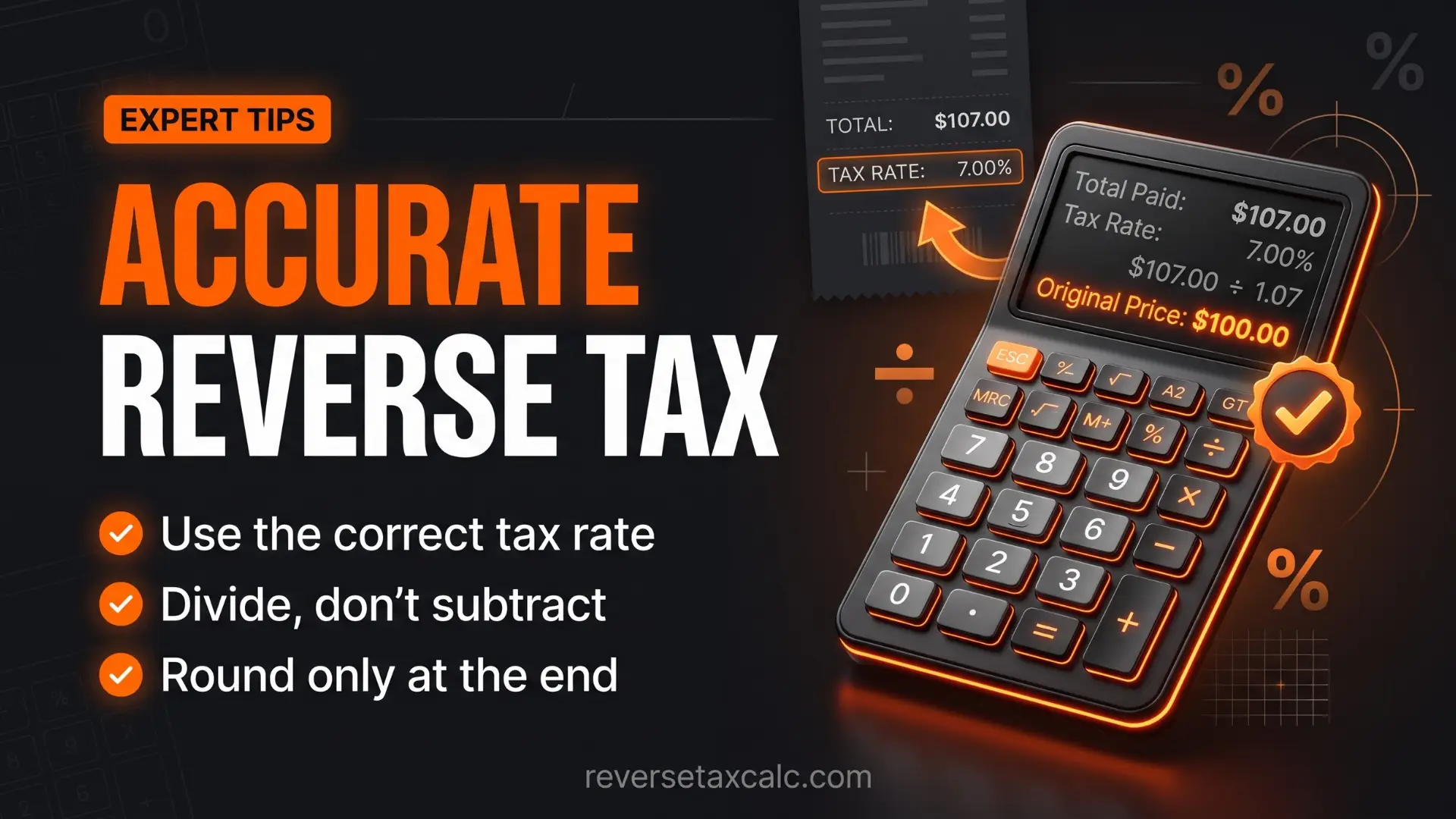
Expert Tips for Accurate Reverse Tax Calculation
- Use the Combined Tax Rate: For USA sales tax, always use the total combined rate, not only the state rate.
- Check the Receipt Carefully: Some receipts already show subtotal, tax, and total. If these are visible, you may not need reverse calculation.
- Use Two Decimal Places for Currency: Currency is usually rounded to two decimal places, but during calculations, keep more decimal accuracy if possible.
- Build a Simple Excel Template: Use columns for date, vendor, total amount, tax rate, pre-tax amount, tax amount, and notes.
- Do Not Guess the Tax Rate: Check the rate from state revenue department websites, tax rate lookup tools, accounting software, invoice details, or POS reports.
- Separate Sales Tax from Revenue: Sales tax collected from customers is usually not your income. It is money collected on behalf of the tax authority.
- Understand Rounding Differences: Sometimes your result may be off by one cent because of rounding. This is normal in invoices and POS systems.
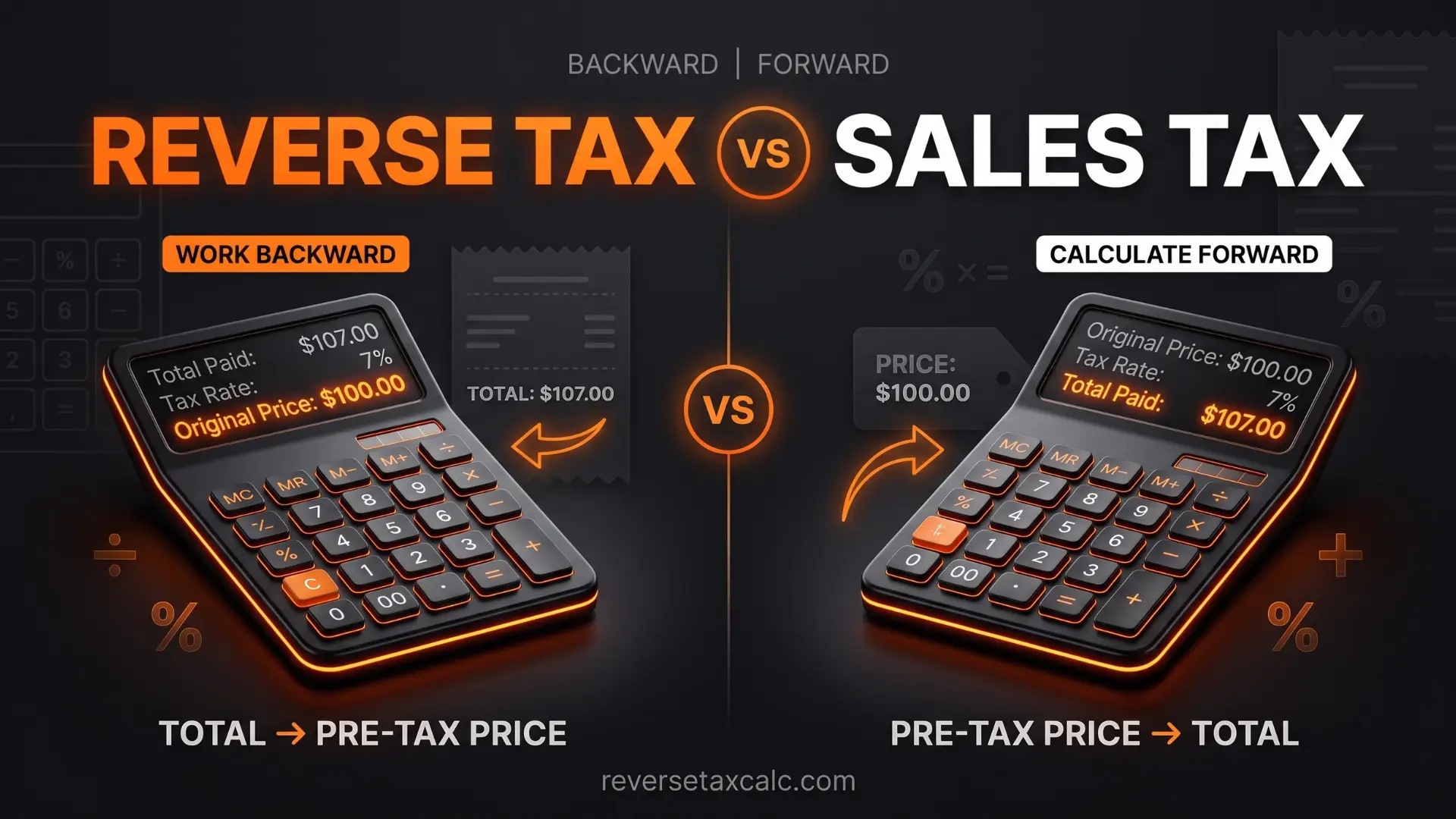
Comparison: Reverse Sales Tax Calculator vs Sales Tax Calculator
Both tools are related, but they are used at different stages.
Sales Tax Calculator
A sales tax calculator starts with the original price and adds tax.
Example:
Use this when you want to know the final price before buying.
Reverse Sales Tax Calculator
A Reverse Sales Tax Calculator starts with the final total and removes tax.
Example:
Use this when you already know the final price and want to find the original amount.
Quick Comparison Table
| Feature | Sales Tax Calculator | Reverse Sales Tax Calculator |
|---|---|---|
| Starting amount | Pre-tax price | Final total |
| Main purpose | Add tax | Remove tax |
| Useful before purchase | Yes | Less common |
| Useful after purchase | Sometimes | Yes |
| Formula | Price × (1 + rate) | Total ÷ (1 + rate) |
| Finds tax amount | Yes | Yes |
| Used for receipts | Sometimes | Very useful |
| Used for tax-inclusive pricing | No | Yes |
Reverse Tax Calculation Examples
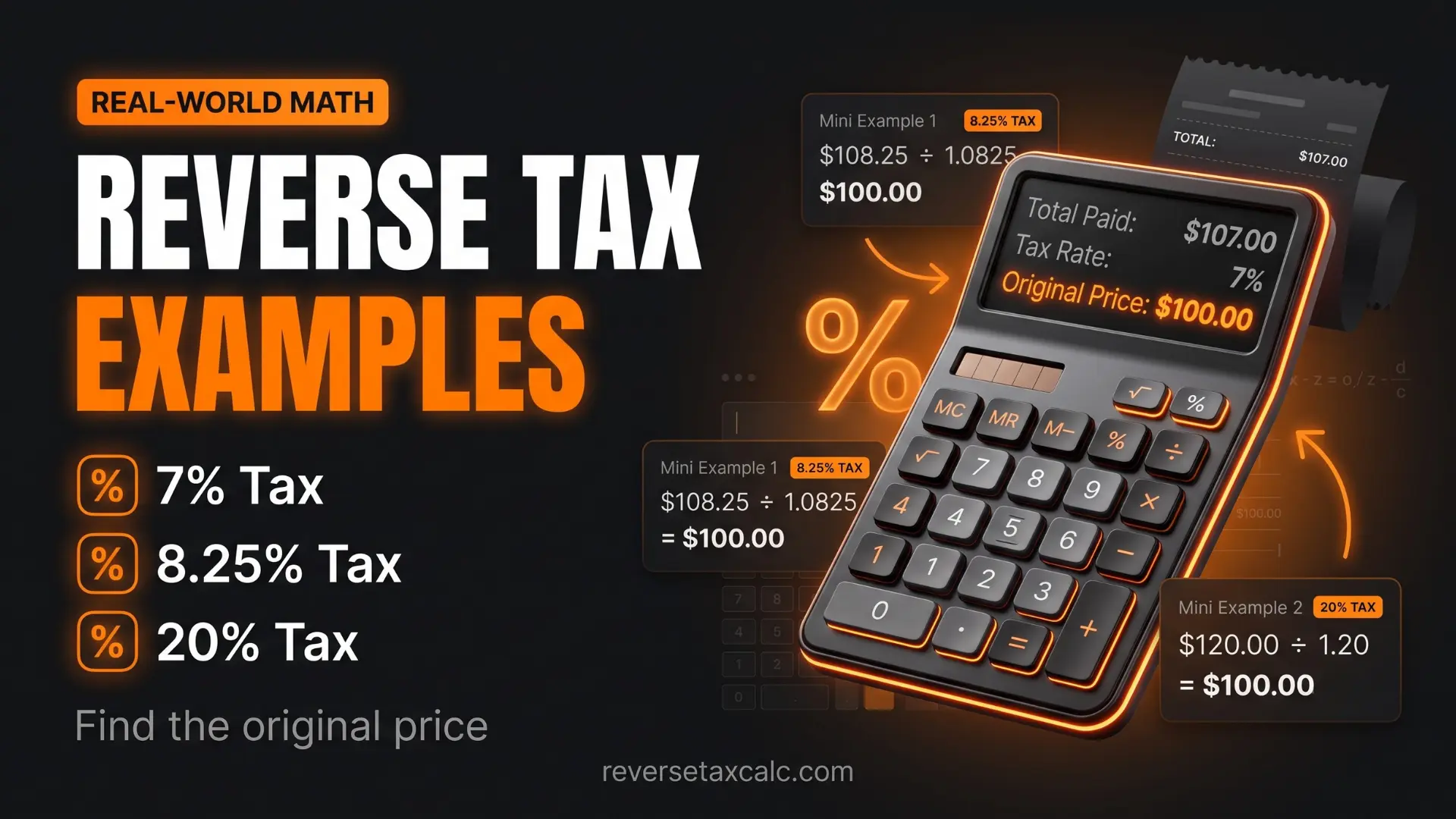
Example 1: Reverse Tax on a Retail Purchase
- Final total: $54.13
- Tax rate: 8.25%
- Pre-tax price: $54.13 ÷ 1.0825 = $50.00
- Tax amount: $54.13 − $50.00 = $4.13
Example 2: Reverse Sales Tax on Restaurant Bill
- Final bill: $86.60
- Sales tax rate: 8.25%
- Pre-tax amount: $86.60 ÷ 1.0825 = $80.00
- Tax amount: $86.60 − $80.00 = $6.60
Note: Tips are often treated separately, depending on how the bill is structured.
Example 3: Reverse Tax for E-commerce Seller
- Final product price: $32.48 including tax
- Tax rate: 8.25%
- Pre-tax price: $32.48 ÷ 1.0825 = $30.00
- Tax amount: $32.48 − $30.00 = $2.48
The seller should record revenue as $30.00 and sales tax collected as $2.48.
Example 4: Reverse Tax with 6.625%
- Final total: $159.94
- Tax rate: 6.625%
- Pre-tax price: $159.94 ÷ 1.06625 = approximately $150.00
- Tax amount: $159.94 − $150.00 = $9.94
How Businesses Use Reverse Sales Tax
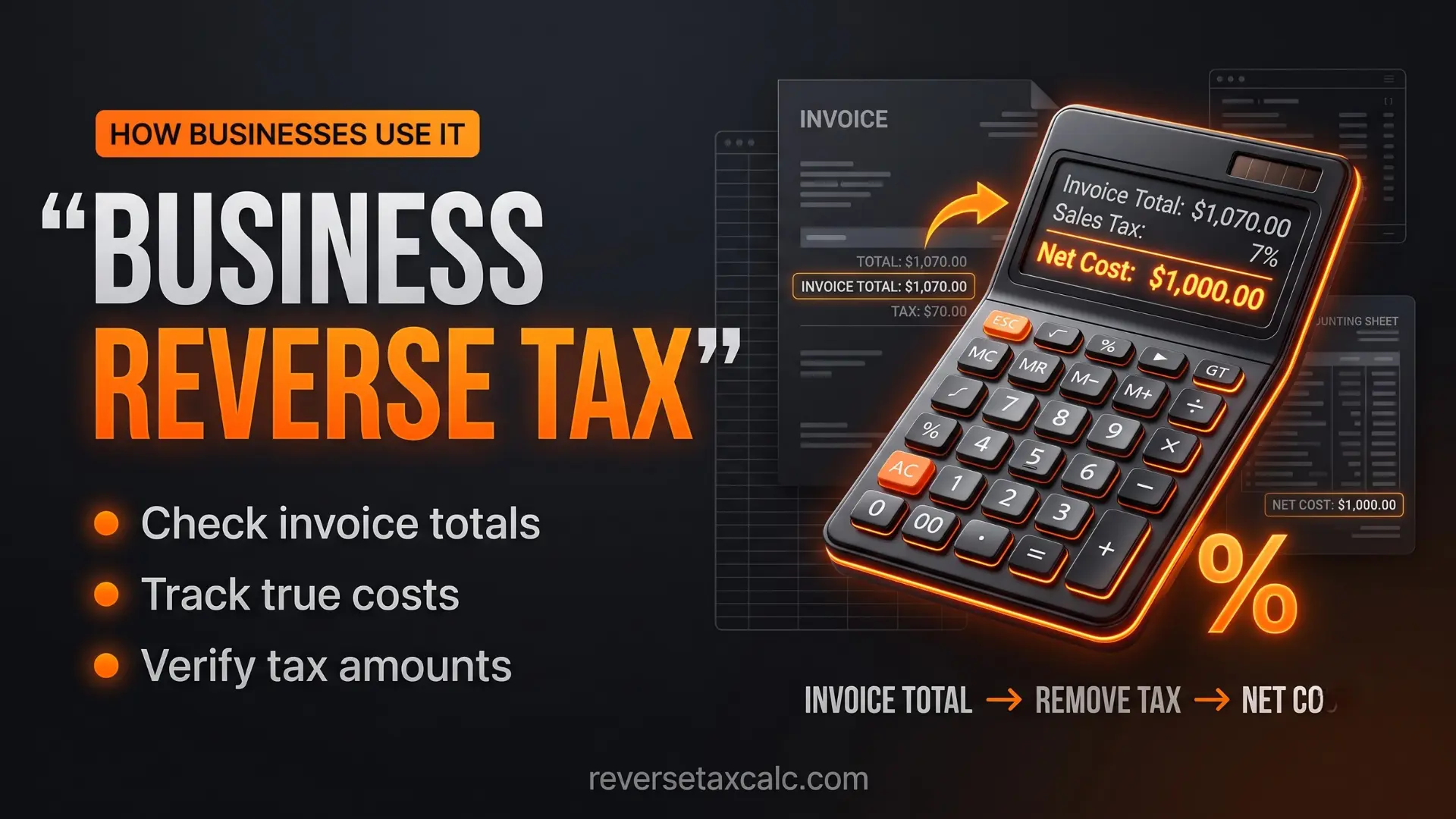
Businesses often use reverse tax calculation when they sell products at tax-inclusive prices.
Example: Tax-Inclusive Pricing
A store sells a product for $100 including tax. If the sales tax rate is 8.25%, the store cannot treat the full $100 as revenue.
So the business earned $92.38 before tax and collected $7.62 as sales tax.
Why This Matters for Profit
If the business wrongly records $100 as revenue, profit numbers become inflated. This can affect profit margin, tax reporting, sales reports, inventory costing, and financial decisions.
Correct reverse tax calculation improves accuracy.
Use in Invoices
Some invoices mention: Total amount includes applicable sales tax. In such cases, reverse tax calculation helps identify the tax portion.
This is common in retail billing, online marketplaces, event tickets, food delivery, digital products, and service packages.
Reverse Tax for Discounts and Coupons
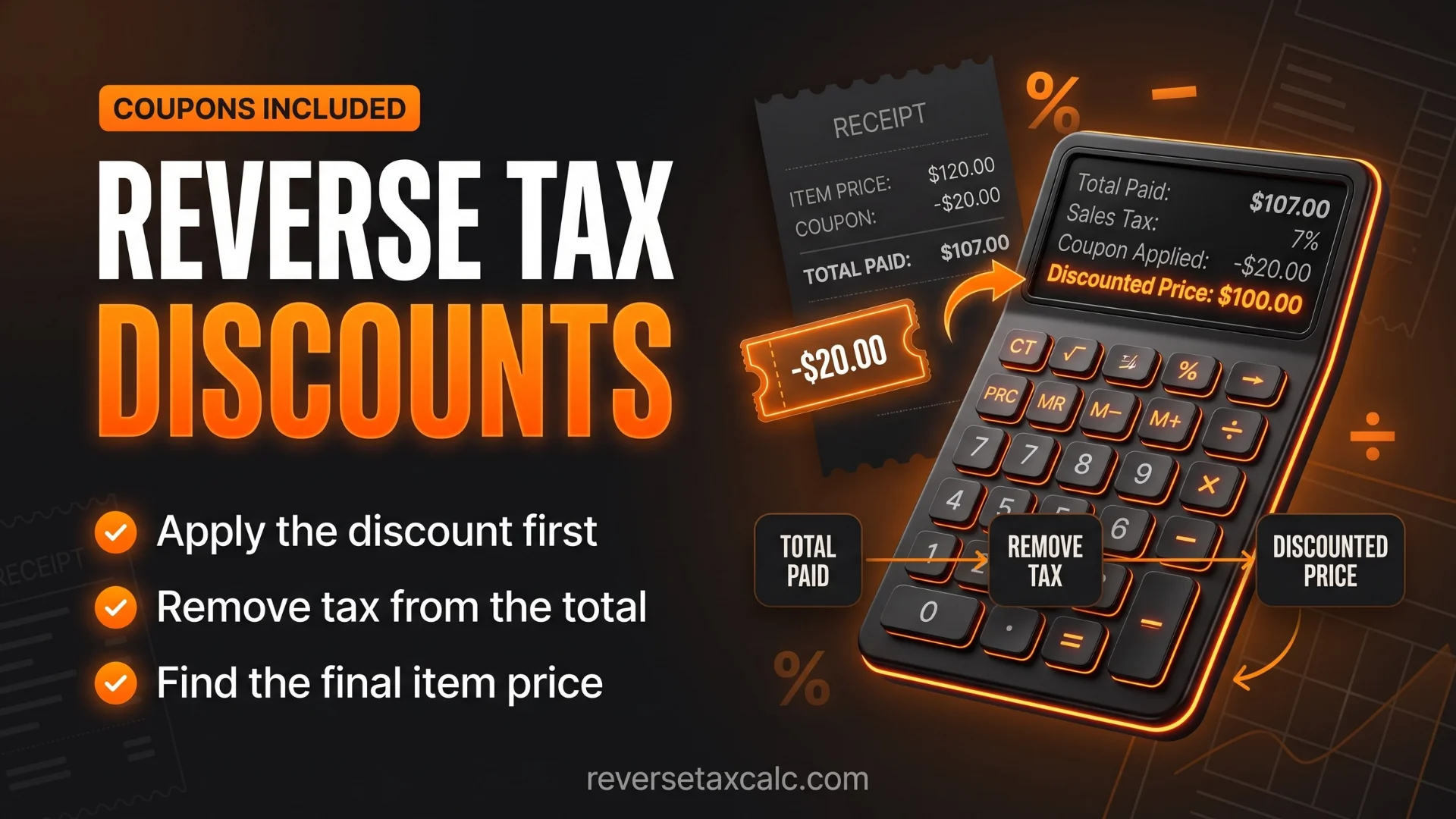
Discounts can make reverse sales tax slightly confusing. Usually, sales tax is calculated after applying the discount, but rules may vary depending on jurisdiction and coupon type.
Example:
- Original price: $100
- Discount: $20
- Taxable price: $80
- Tax rate: 8.25%
- Tax: $80 × 8.25% = $6.60
- Final total: $80 + $6.60 = $86.60
If you reverse calculate from $86.60:
This gives the taxable amount after discount, not the original list price before discount. So, reverse sales tax tells you the taxable price, not necessarily the original sticker price before discount.
Reverse Tax for Multiple Items
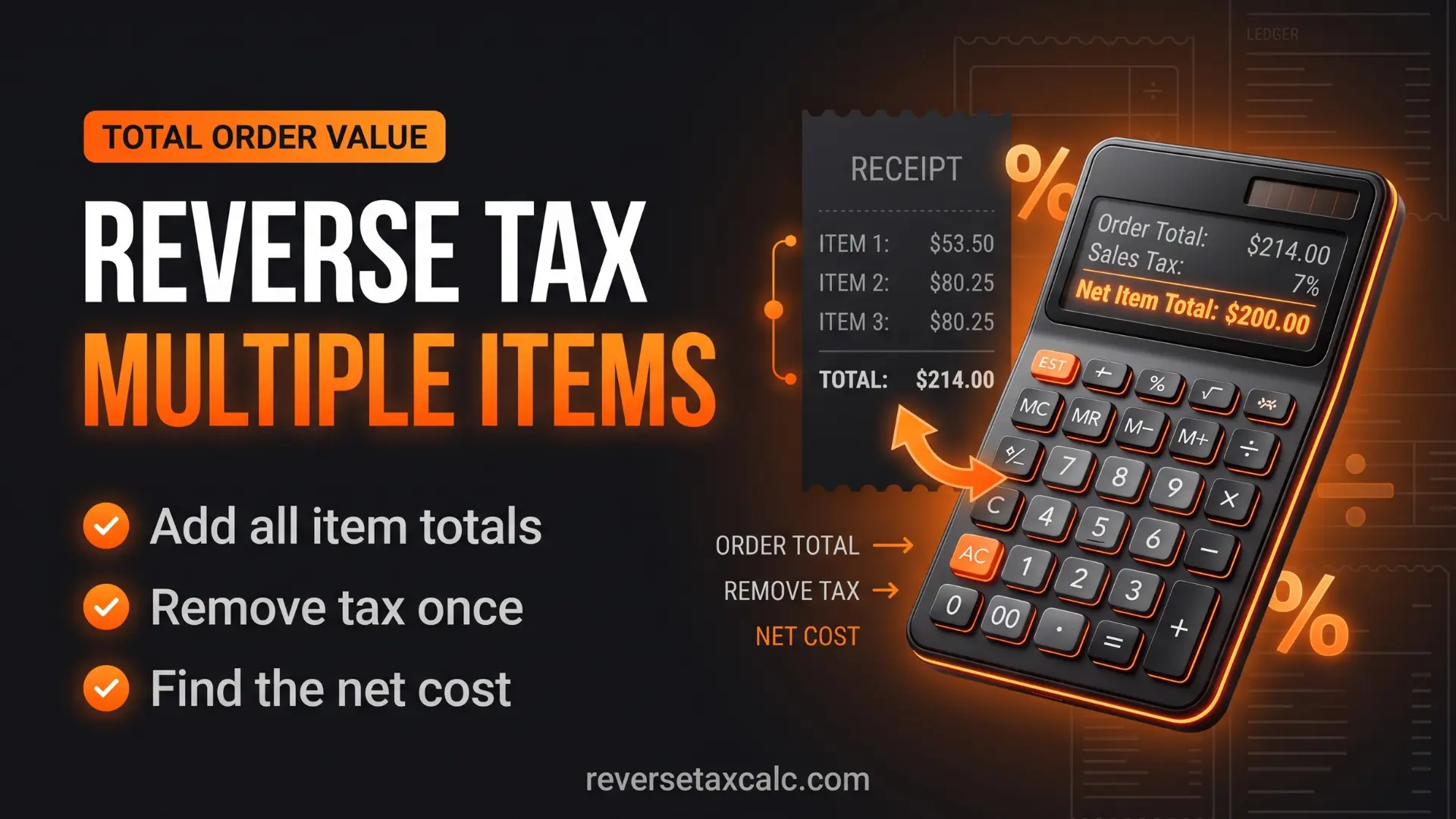
If all items are taxed at the same rate, you can reverse calculate the total bill easily.
- Final total: $216.50
- Tax rate: 8.25%
- Pre-tax total: $216.50 ÷ 1.0825 = $200
- Tax: $16.50
But if different items have different tax rates or some items are exempt, reverse calculation becomes more complex.
Example with Mixed Taxability
A receipt may include taxable electronics, tax-exempt groceries, discounted items, and delivery fees. If the receipt only shows one final total, a simple Reverse Sales Tax Calculator may not give the exact breakdown. You need item-level details.
For accurate accounting, separate taxable and non-taxable items before applying tax formulas.
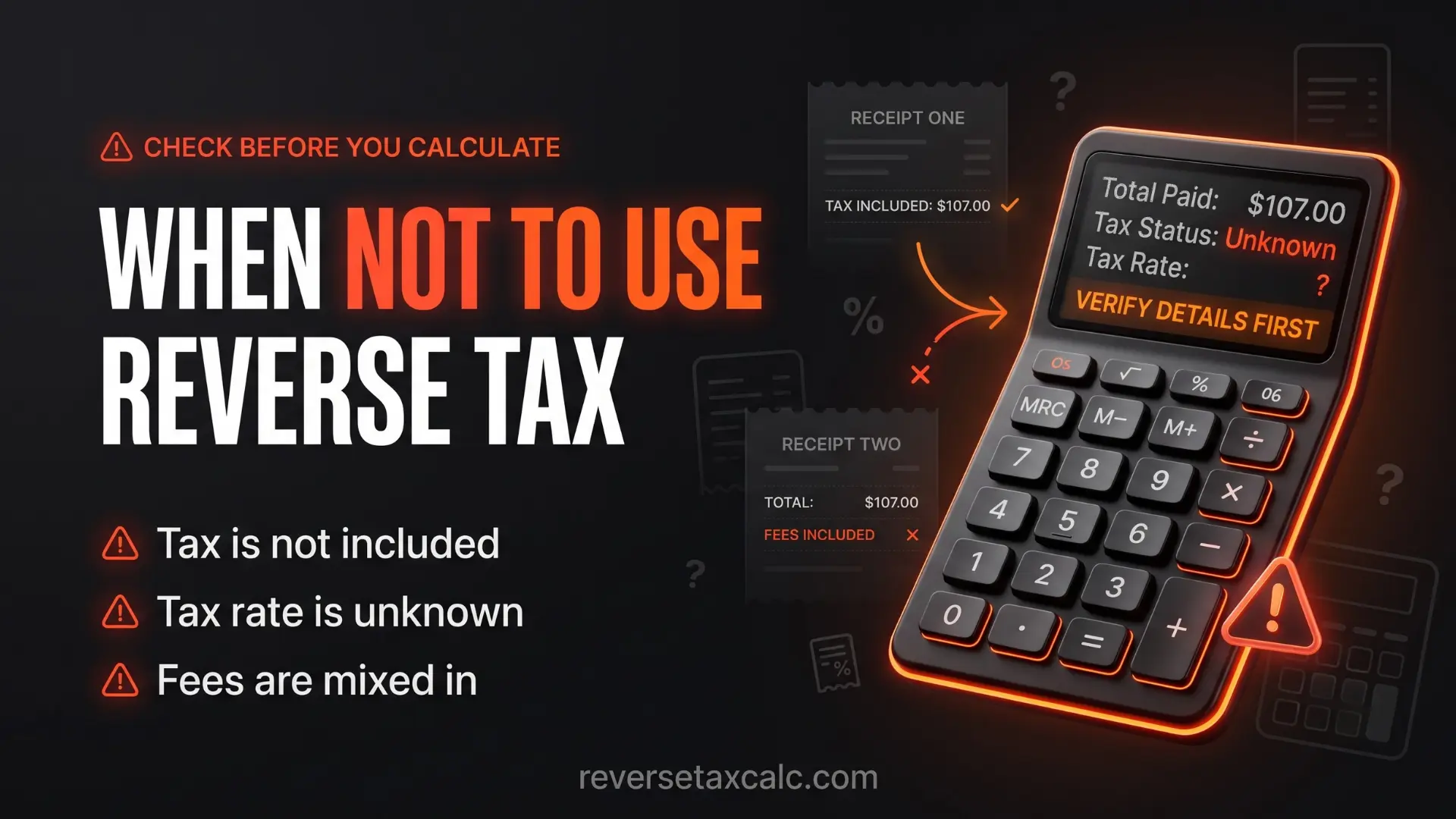
When Not to Use a Reverse Sales Tax Calculator
A reverse sales tax calculator is helpful, but it is not suitable for every tax situation.
Avoid using it for:
- Complex payroll tax calculation
- Income tax returns
- Corporate tax estimation
- Capital gains tax
- Property tax
- Import duty
- Excise tax
- Multi-rate invoices without item details
- Tax-exempt purchases
- Refund calculations with restocking fees
For these cases, use a specialised tax calculator or consult a professional.
Need to calculate tax backwards instantly?
Save time and avoid manual math errors. Our tool is designed to remove sales tax from total amounts easily and accurately.
Try the Free Reverse Sales Tax Calculator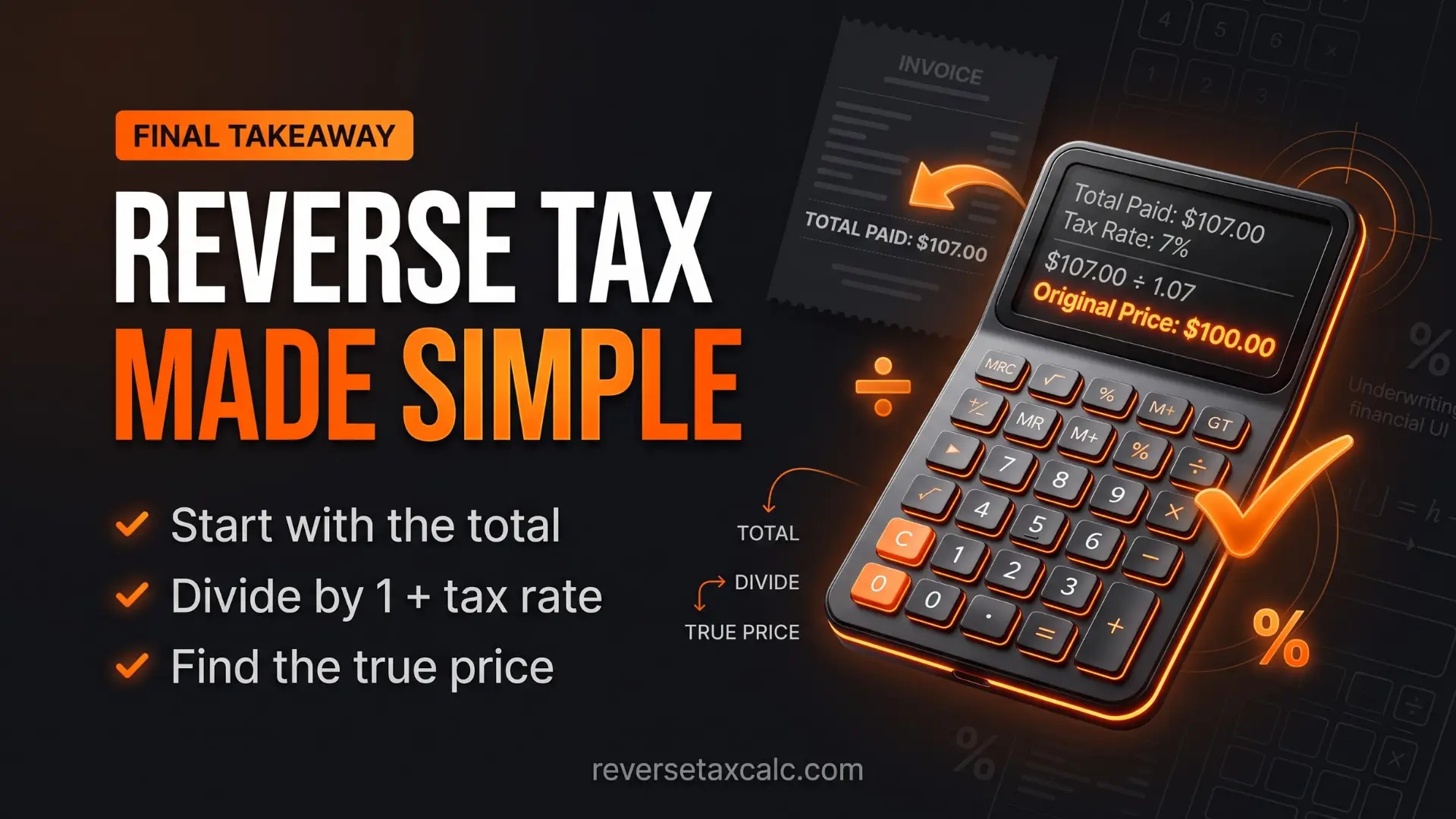
Conclusion
A Reverse Sales Tax Calculator is a simple but powerful tool for finding the original price before tax from a final tax-inclusive amount. It is especially useful when you need to separate sales tax from a receipt, invoice, retail price, or business sale.
The main formula is easy:
Once you know the pre-tax price, subtract it from the total to find the tax amount.
For example, if the final total is $108.25 and the sales tax rate is 8.25%, the original price is $100 and the tax is $8.25.
For USA sales tax, always use the correct combined state and local rate. For Texas, Connecticut, New Jersey, or any other state, the formula remains the same, but the rate may differ. If you handle multiple calculations, Excel or Google Sheets can save a lot of time with simple formulas.
A reverse sales tax calculator is best used for sales tax, tax-inclusive pricing, receipts, and invoices. For paycheck tax, income tax, or business tax returns, use the right specialised calculator because those calculations involve more variables.
In short, if you know the final amount and tax rate, reverse tax calculation gives you the clean breakdown: pre-tax price, tax amount, and total paid.
References: Internal Revenue Service (IRS) – Small Business and Self-Employed Tax Center ; Texas Comptroller – Sales and Use Tax ; NJ Division of Taxation – Sales Tax ; CT Department of Revenue Services – Sales and Use Tax ; Financial Accounting Standards Board (FASB) .